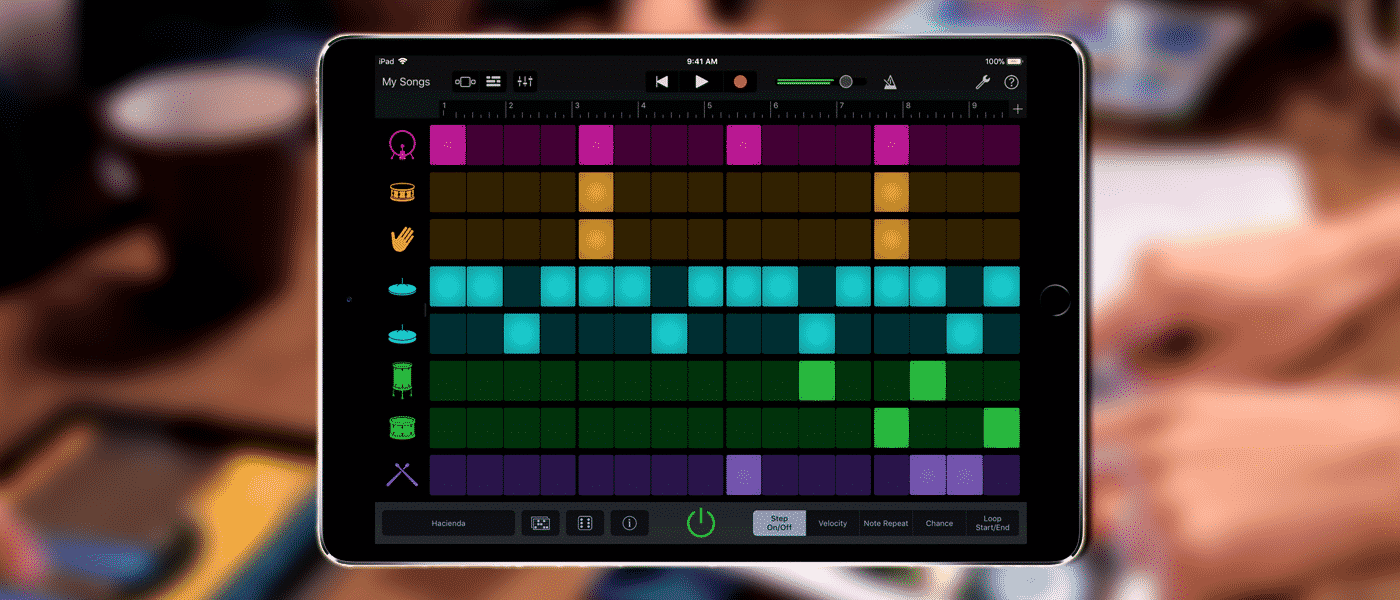
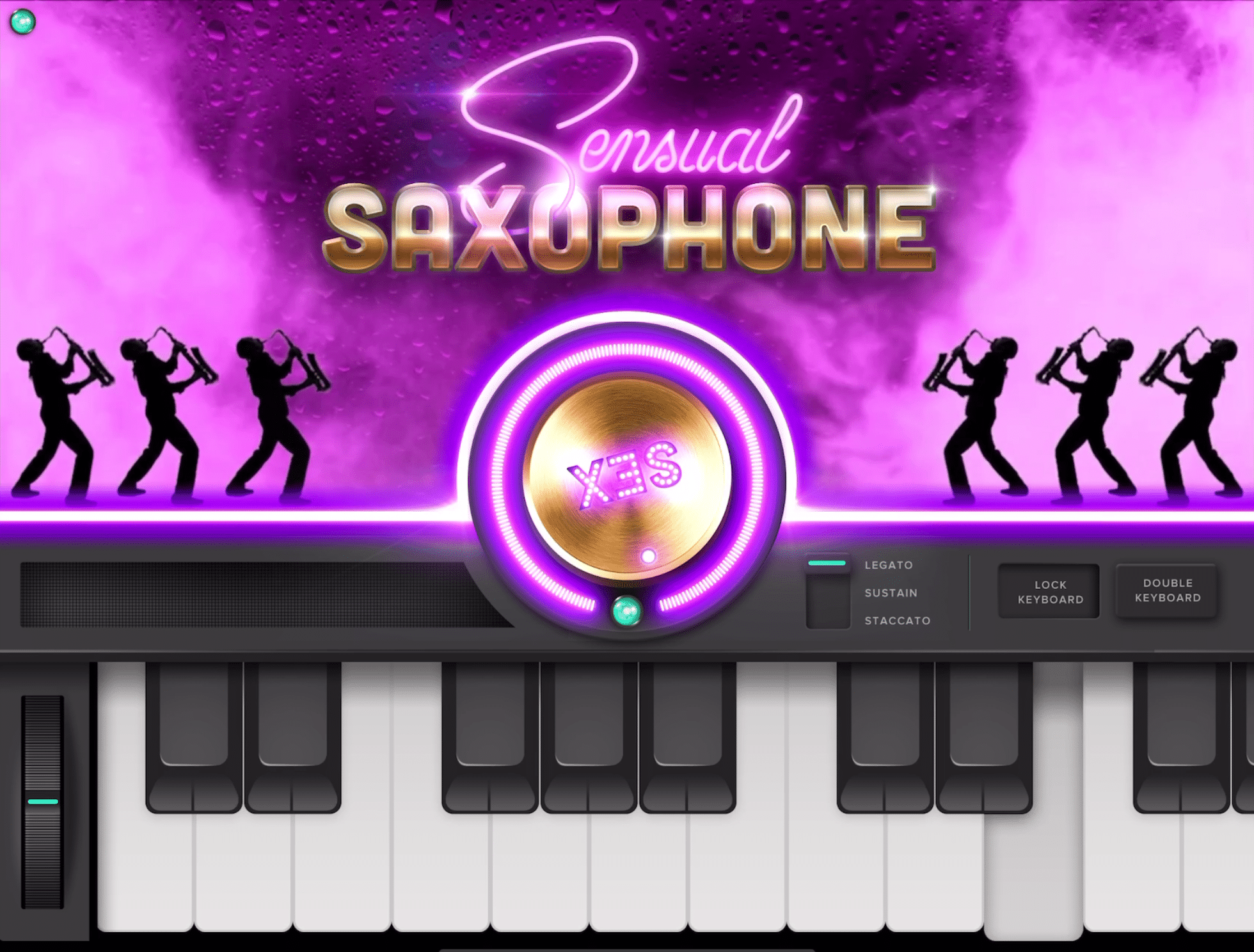
GarageBand 2.3 for iPhone and iPad builds on its already excellent existing features by adding a host of new instruments...
Focusrite have broken with convention for the 4th generation of their hugely popular Scarlett 2i2 audio interface. Not only have...
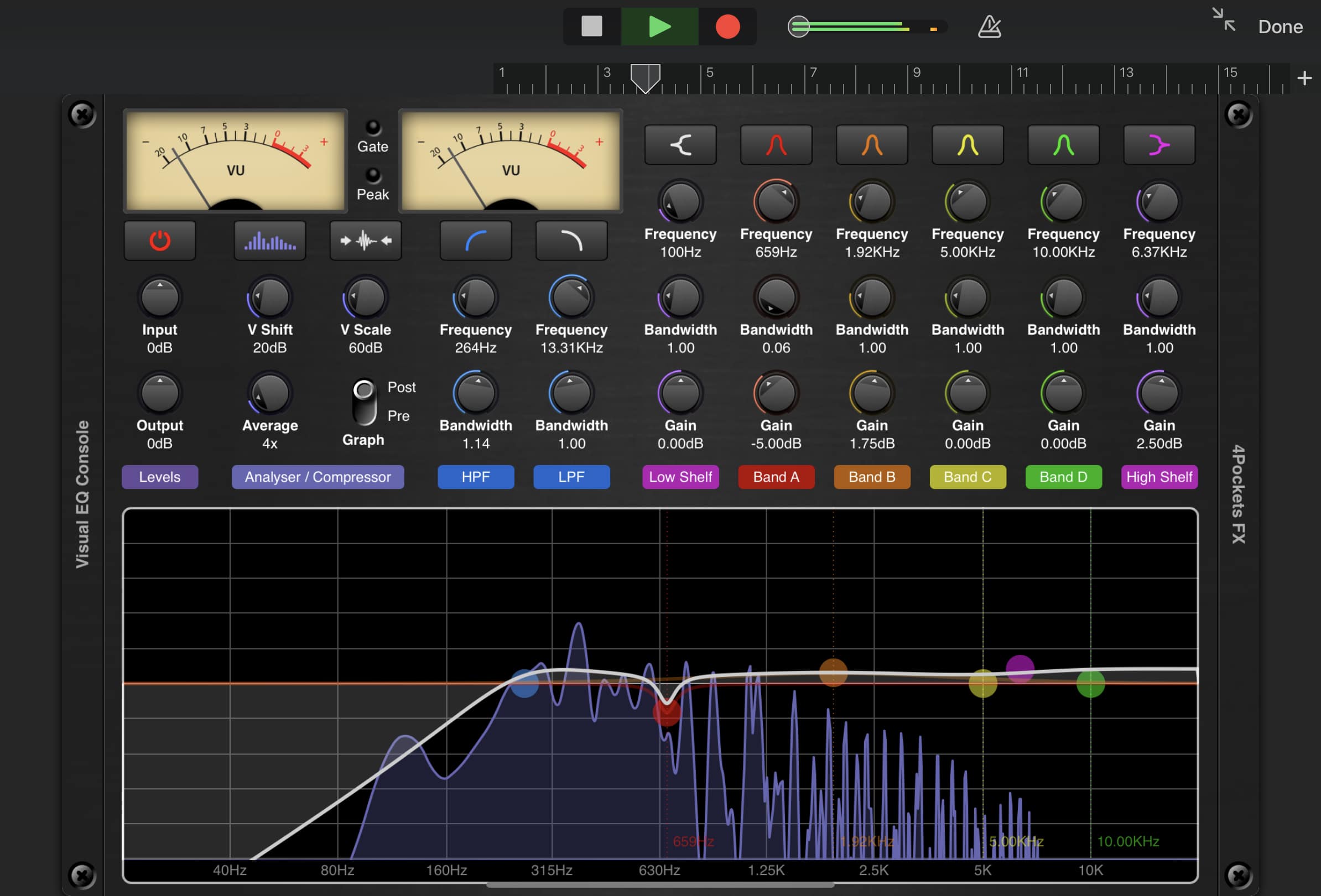
GarageBand for MacOS comes loaded with many excellent plugins and effects that you can use to shape your sounds and...
Ever wanted an easy way to share your Garageband projects with other musicians?
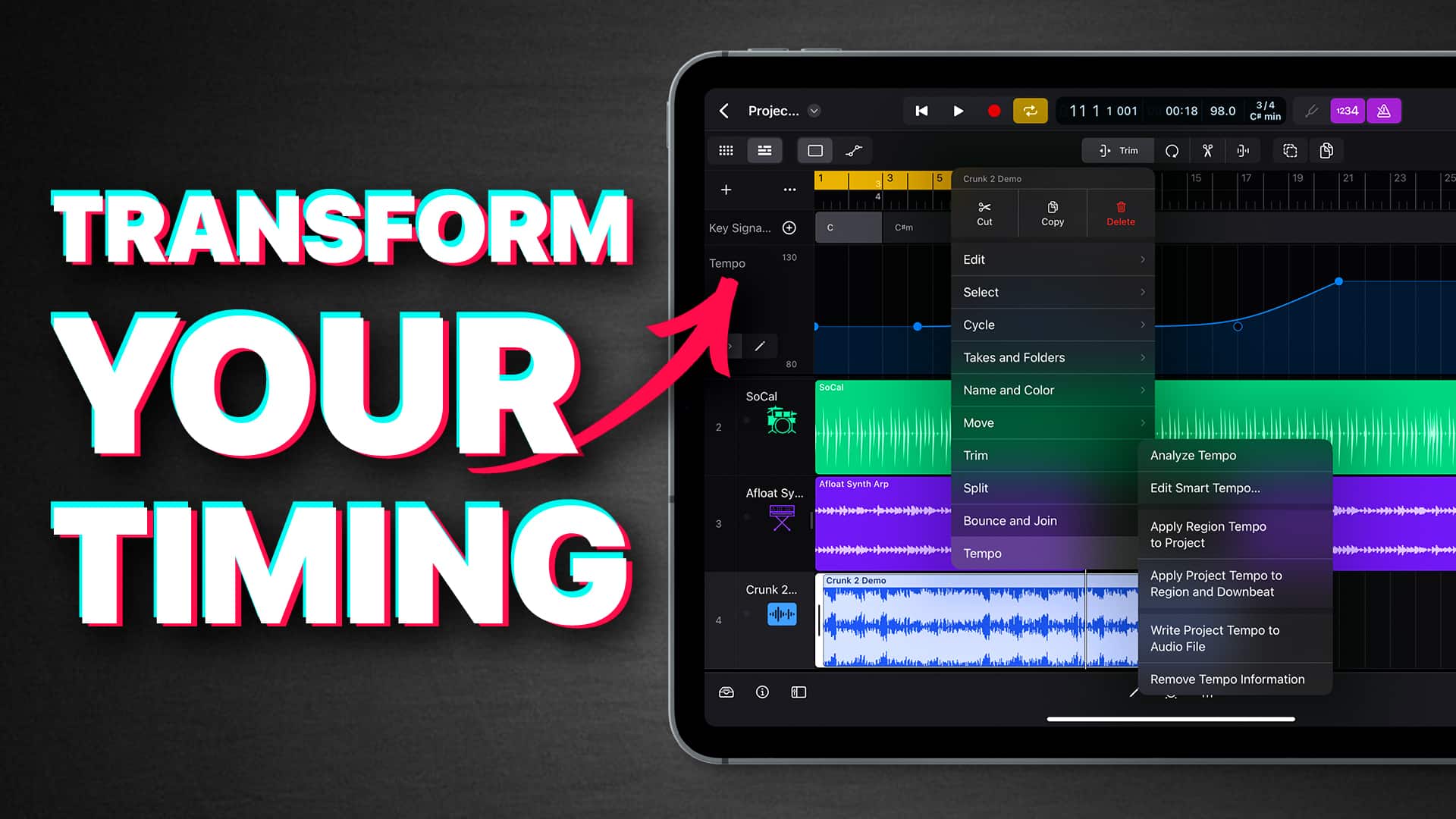
Time signatures? Key signatures? Tempo? You can adjust all of that and more mid-project in Logic Pro for iPad. In...
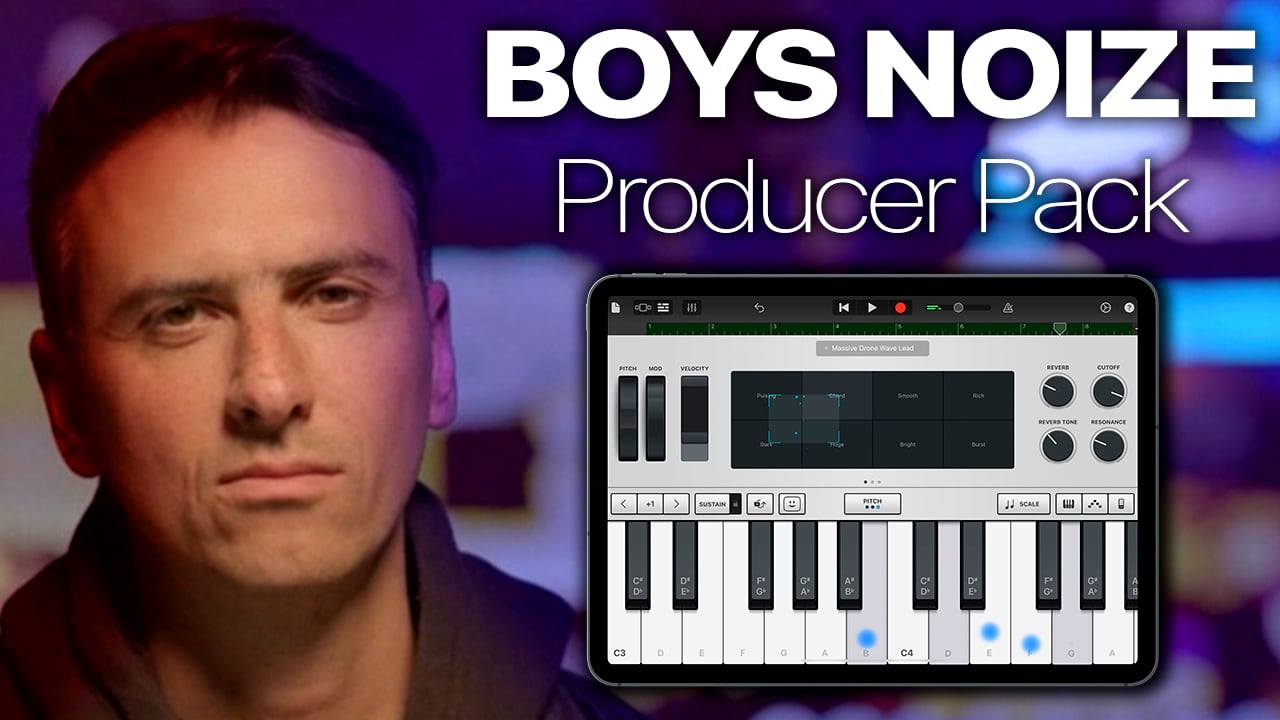
Whether you’re a beginner picking up your first midi controller or a seasoned pro looking for an affordable addition to...
You’ve spent countless hours writing, recording and mixing your latest Single, EP or Album. Maybe you’ve had it professionally mastered...
It’s back to basics in this new Garageband Tutorial for beginners video, where we look at how to use Garageband’s built...
Apple just added two new remix sessions to GarageBand for iOS’ Sound Library. iPad and iPhone users can now remix...
From classical pianos to EDM synths, percussion to hard rock guitar sounds; Garageband 10 comes pre packaged with a ton...
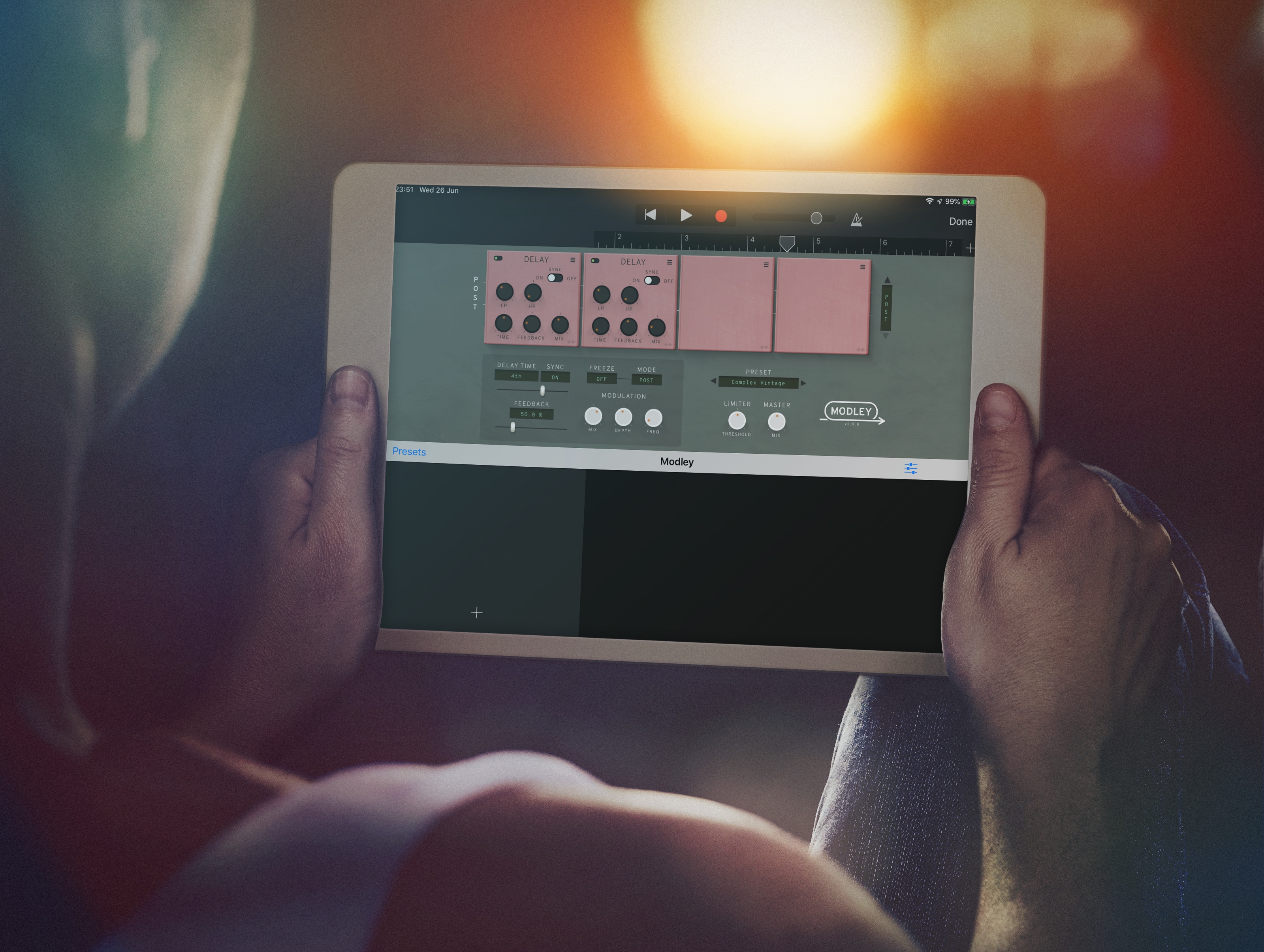
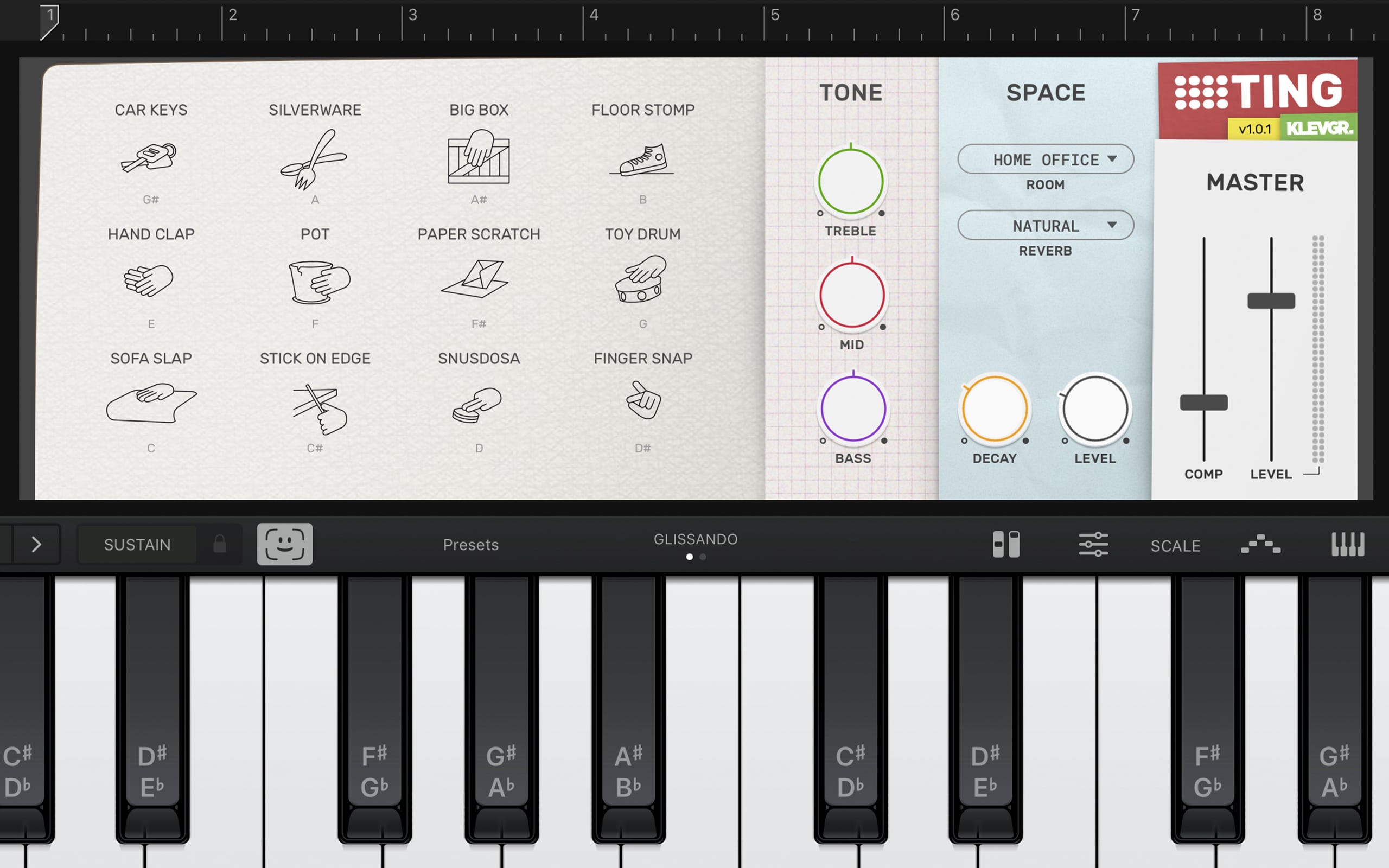
Klevgränd have a reputation for creating some of the very best AUv3 apps on the App Store. From powerful and...
I LOVE answering any questions about Garageband - hell, helping you master Garageband is what this site is all about, but i've been wondering recently if having a series of posts that answers some of the questions I get asked the most would be a good idea....
Kind of a resource I can refer people to if and when these questions come up, you know?
Logic Pro for iPad just got a massive new update that not only fixes dozens of issues, it adds some...
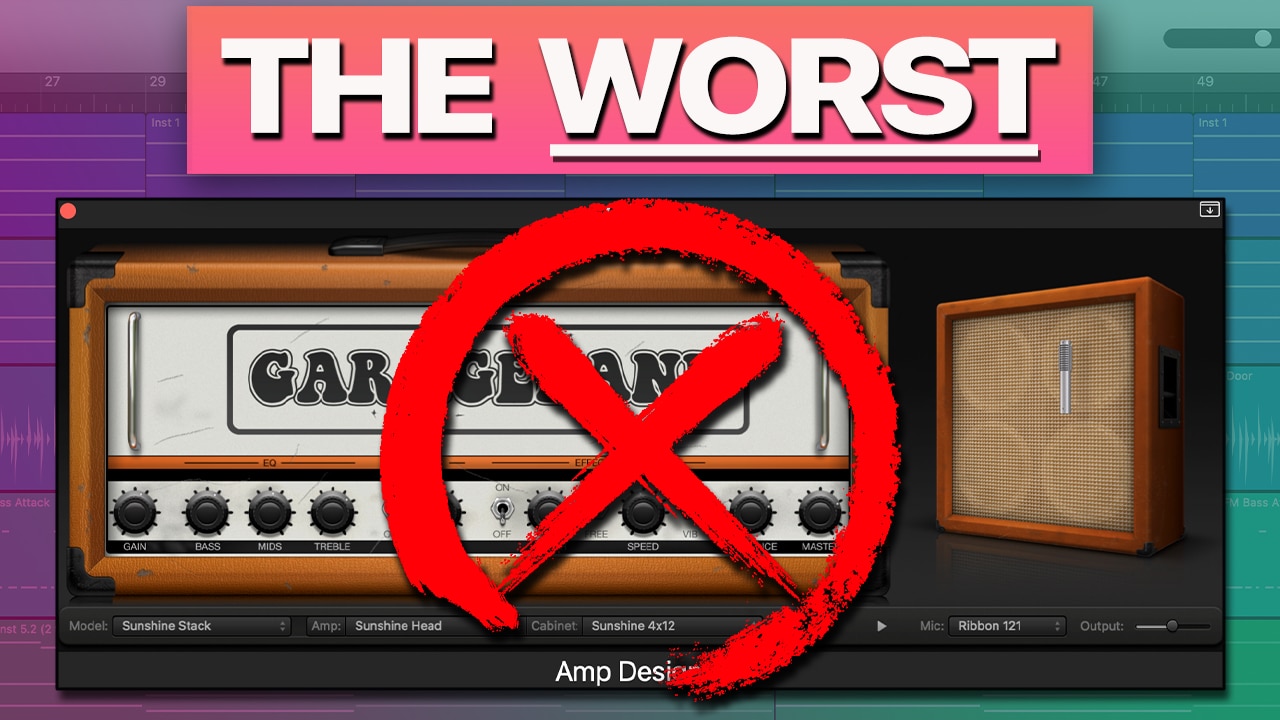
GarageBand Amp Designer Tutorial One of my absolute favorite features in GarageBand for Mac, the Amp Designer is bloody fantastic!...
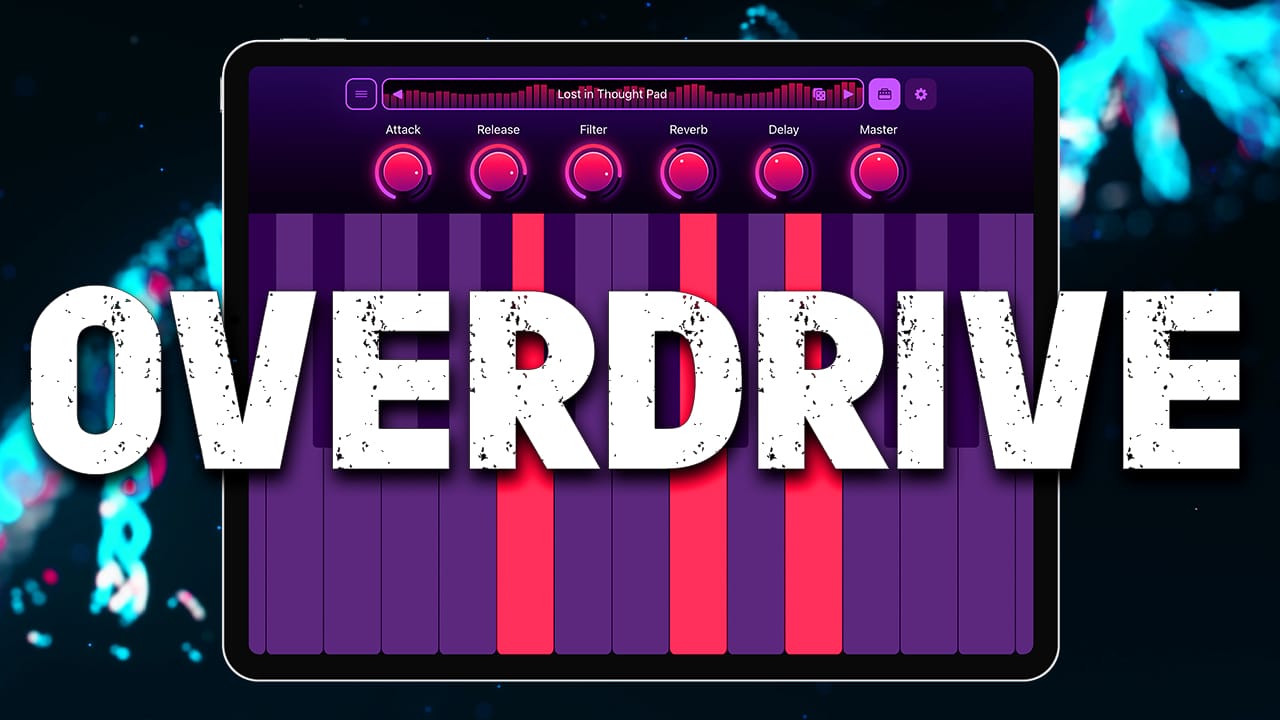
Overdrive Synth Review What does a synthesizer sound like through an overdrive pedal? That’s the question iOS Developer Nick Culbertson...
The original Jam was one of a few high profile ‘breakout’ devices back in 2012 when recording on the go...
For his latest GarageBand iOS tutorial, Arvid has dived into DJ Khaled’s collaborative hit ‘I’m The One’. Check out how...
GarageBand iOS Alchemy Tutorial Apple made waves back in 2015 when it bought Camel Audio, the makers of the hugely...
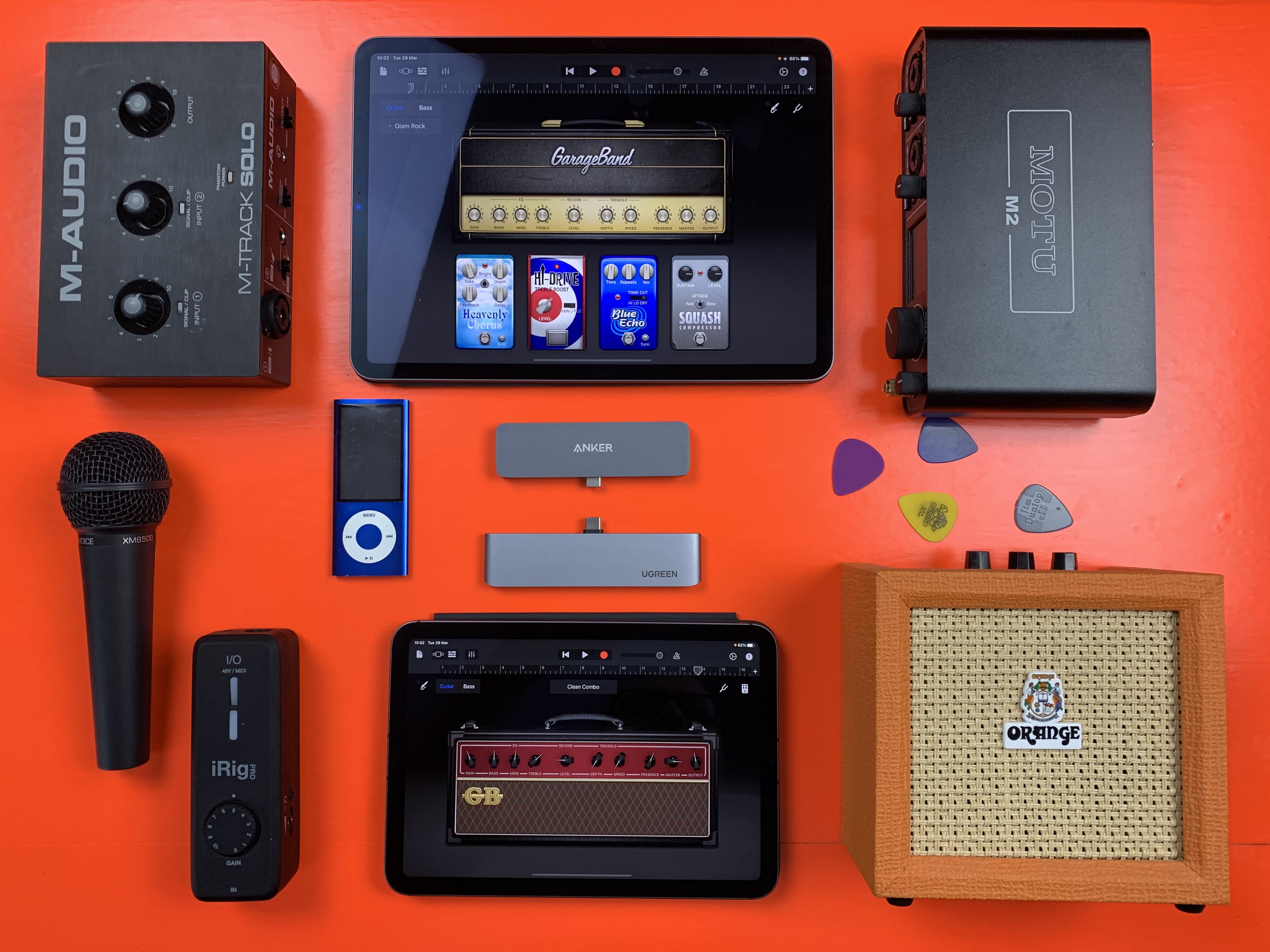
It wasn’t that long ago that the prospect of connecting ‘proper’ instruments and equipment to your iPad or iPhone was...
Both the entry level 8th Gen iPad and top of the range M2 iPad Pro run Logic Pro for iPad....
You Will LOVE These New GarageBand Sounds! Oak Felder is a world class producer who has worked with the likes...
Jumping into recording your chosen instrument in GarageBand is really exciting, but getting to grips with the tools on offer...
How to Use AUV3 Apps With GarageBand iOS You’ve got an amazing new Synth App and/or a fantastic effect...
Whether you’re just keeping track of ideas or putting together fully fledged projects, there’s no better way to create music...
I love the flexibility of Garageband on the iPhone/iPad. Having a mini recording studio in my pocket means that wherever I am and whatever I’m doing - when that flash of inspiration strikes, i’m able to capture and record those fickle melodies, fleeting tunes and sneaky beats whenever they pop into my head.
There often comes a point however, when I go as far as i can with the Garageband App and want to take my project a bit further - give it the full on Garageband '11 treatment, you know?
Luckily, it’s easy enough to transfer your Garageband projects from your iPhone or iPad to your Mac.
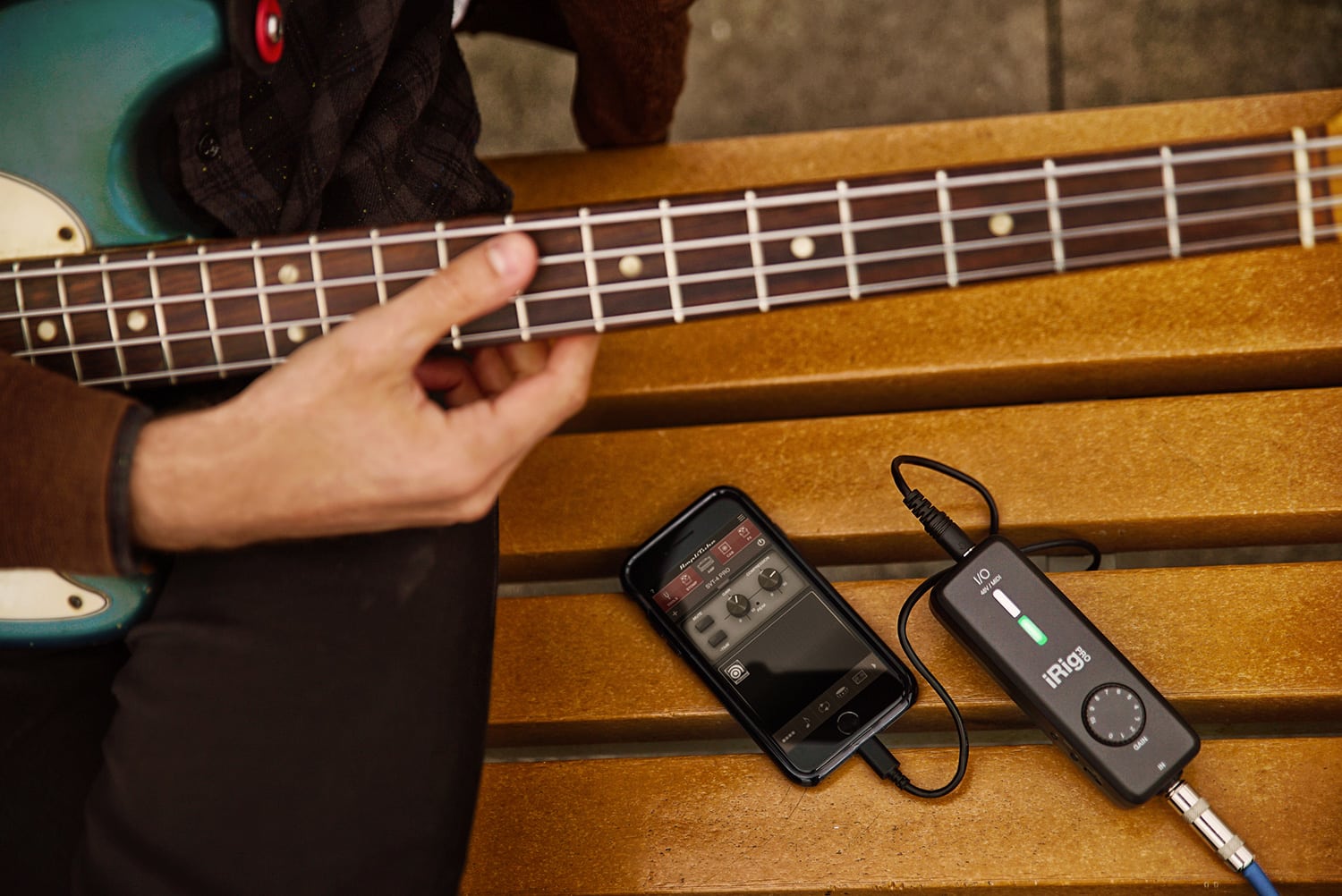
A decade ago I reviewed the original iRig HD. Since then IK Multimedia have released a second revision of the...
It’s been a funny old year to be a Garageband user… Personally, I started the year still getting used to...
You might remember that I took a long hard look at IK Multimedia’s iRig a wee while ago and addressed...
Comeback Kid is the latest plugin from now LA based effect aficionados Baby Audio – the same Baby Audio who...
I’M SORRY. For legal reasons, i’ve had to remove this video. via GIPHY...