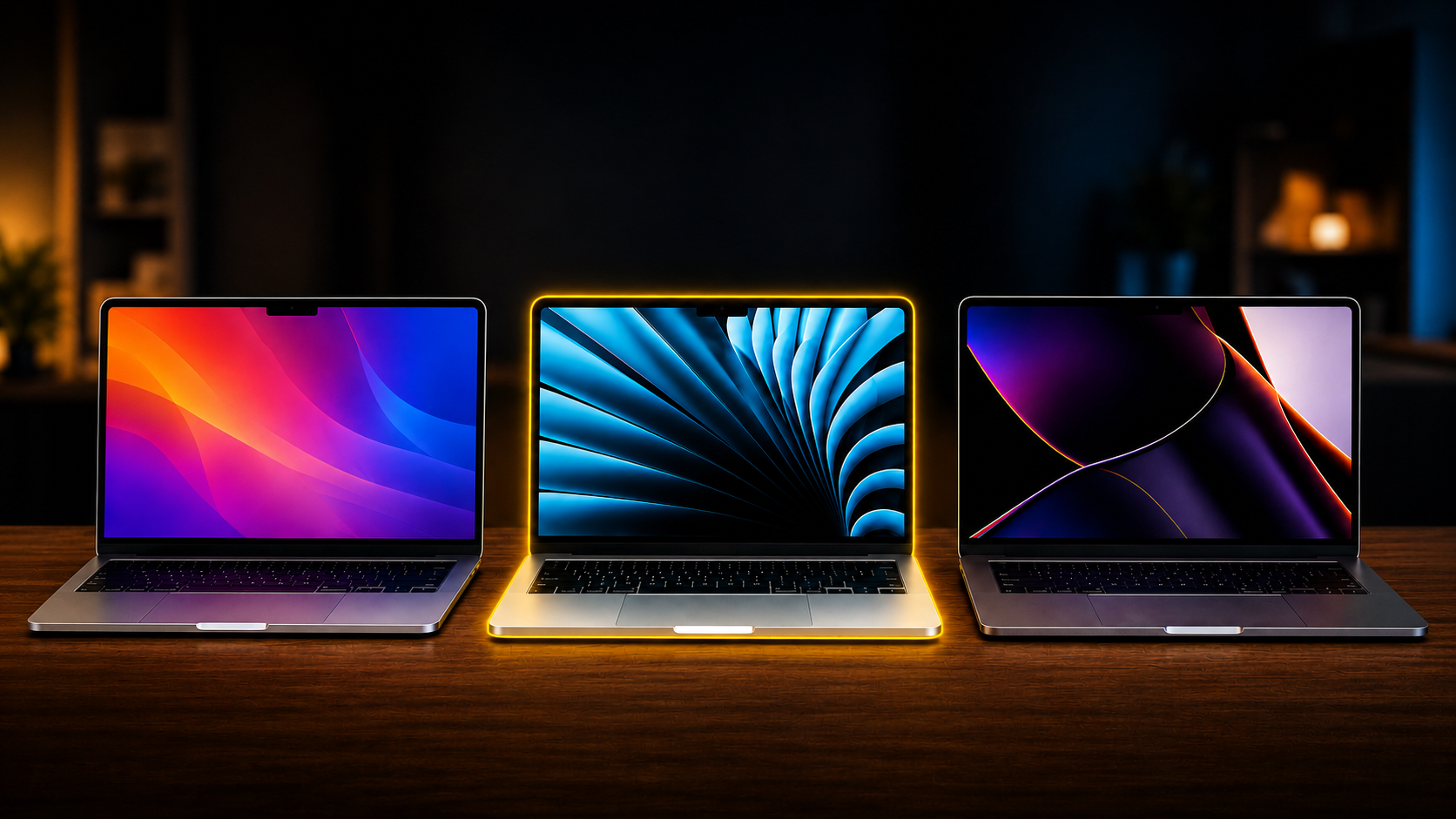
Apple’s MacBook lineup now covers a wider range of budgets than it has in years.
At the entry level, there is the MacBook Neo. Above that sits the M5 MacBook Air, while the M5 MacBook Pro remains the premium option for people who need more performance, more ports, and more headroom.
On paper, the hierarchy seems obvious. The MacBook Pro is the most powerful, the Air sits in the middle, and the Neo brings up the rear.
In practice, the differences are more nuanced.
All three are capable creative machines, and all three can handle music production, video editing, photography, podcasting, and general content creation. The right choice depends less on raw benchmark scores and more on the kind of work you do, how often you do it, and how much flexibility you need from your laptop.
I’ve spent time using all three, so here is how they compare.
MacBook Neo, M5 Air and M5 Pro: the key differences
The MacBook Neo is Apple’s entry-level laptop.
It comes with an A18 Pro chip, 8GB of memory, 256GB of storage, and a 13-inch display. It is fanless, compact, and significantly cheaper than the rest of Apple’s current MacBook lineup.
The M5 MacBook Air starts with 16GB of memory and 512GB of storage. It is available in 13-inch and 15-inch versions and also uses a fanless design.
The M5 MacBook Pro moves further up the range with more memory, more storage, active cooling, a brighter XDR display, more ports, and the smoother 120Hz ProMotion refresh rate.
The model I tested came with 24GB of memory and a 1TB SSD.
Those differences matter, but they do not always affect performance in the way you might expect.
For many everyday creative tasks, the experience across all three machines is closer than the prices suggest.
Music Production
For music production, even the MacBook Neo is more capable than its entry-level status might suggest.
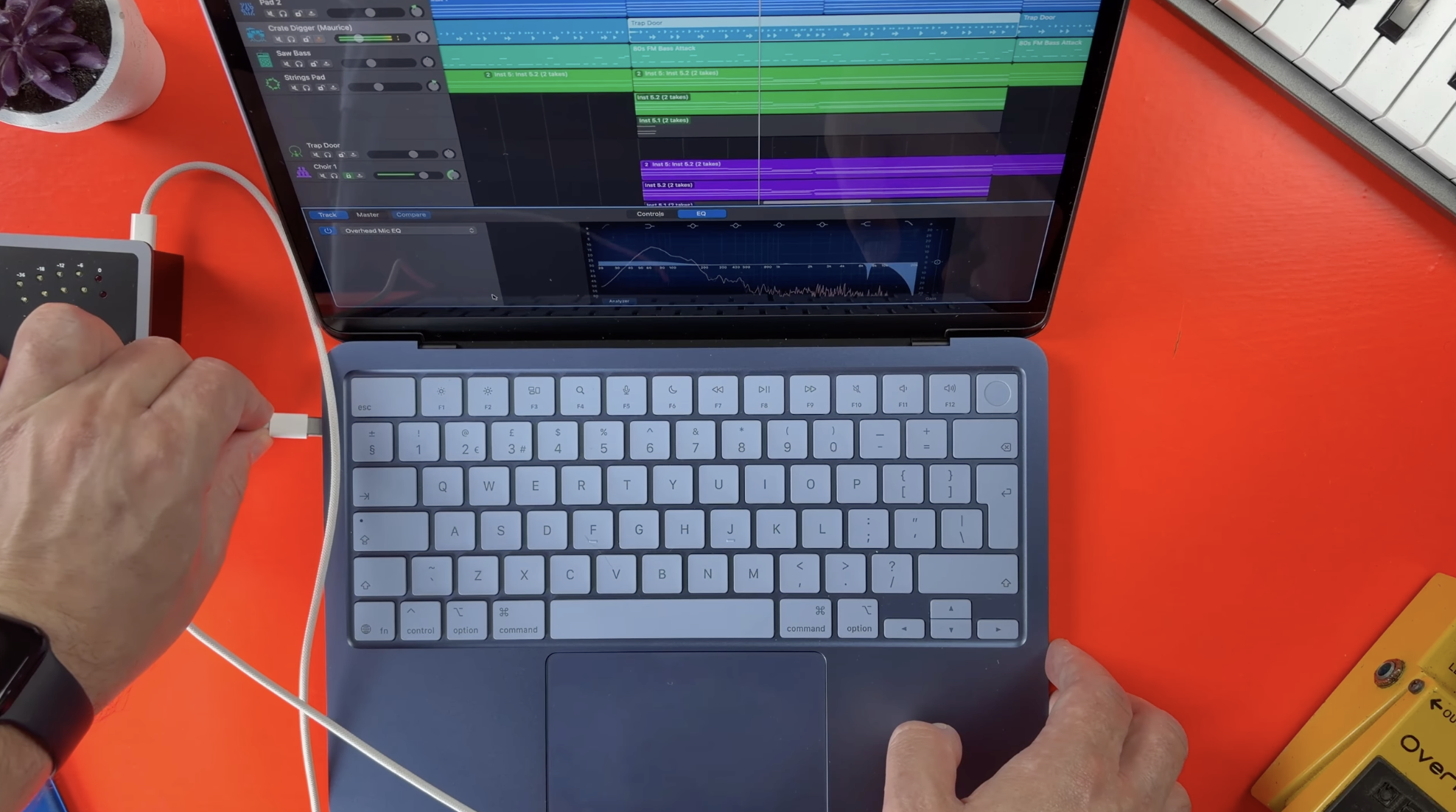
GarageBand runs very well. Recording audio, editing regions, working with software instruments, and building complete projects all feel smooth and responsive.
It is also perfectly usable for podcasts, backing tracks, demos, and smaller Logic Pro sessions.
The main limitation is memory.
Eight gigabytes is still enough for lighter projects, but larger sessions can begin to expose the Neo’s limits. More software instruments, larger sample libraries, and plugin-heavy projects all place greater pressure on the available memory.
Storage is another consideration.
A 256GB SSD can fill quickly once you begin installing sample libraries, plugins, video files, and project backups. External storage can solve part of that problem, but it is something buyers need to account for from the start.
The M5 MacBook Air is the most balanced option for music production.
With 16GB of memory and 512GB of storage as standard, it gives you far more room to work. Large GarageBand projects are no problem, and Logic Pro sessions with multiple software instruments, third-party plugins, and audio tracks remain comfortable.
For most musicians, the Air provides more performance than they are likely to need.
Its fanless design is also useful in a recording environment. There is no fan noise during vocal takes, acoustic recordings, or quieter mixing sessions.
The M5 MacBook Pro provides more headroom again.
Its active cooling allows it to maintain performance during longer, more demanding workloads. That becomes useful with very large projects, orchestral templates, extensive sample libraries, and professional sessions that push the system for hours at a time.
The Pro does not always feel dramatically faster during routine production work. Its advantage becomes clearer once projects grow larger and workloads remain heavy for longer periods.
For GarageBand users, it is difficult to justify buying the Pro for performance alone.
For most Logic Pro users, the MacBook Air remains the strongest overall choice.
The MacBook Pro makes more sense for professional producers, composers, engineers, and anyone regularly working with especially demanding sessions.
Video Editing
The same general pattern carries over to video editing.
The MacBook Neo can handle basic 4K editing surprisingly well.
Simple cuts, titles, transitions, colour adjustments, and short-form content are all manageable. For occasional YouTube videos, social media clips, and smaller projects, it is a capable machine.
Export times are slower than on the Air and Pro, and heavier timelines can place more strain on the system, but the overall experience remains better than many people would expect from Apple’s cheapest MacBook.
The M5 MacBook Air is where video editing becomes much more comfortable.
Timeline playback is smooth, exports are faster, and the machine has enough performance for most YouTube channels, online courses, interviews, and creator workflows.
For single-camera and two-camera projects, it is difficult to find much fault with it.
The MacBook Pro becomes more valuable when video editing is a major part of your work.
Longer timelines, multiple camera angles, heavier effects, larger resolutions, and regular exports all benefit from the additional cooling and sustained performance.
The display is also a major advantage.
The MacBook Pro’s XDR panel is brighter, smoother, and better suited to colour-sensitive work. That will matter to filmmakers, photographers, and editors who spend a significant amount of time working directly on the laptop display.
For most independent creators, though, the Air gets remarkably close.
Everyday creator workflows
Benchmarks only tell part of the story.
Most creators do not spend their entire day exporting videos or running enormous Logic sessions. A typical workflow might involve writing, research, image editing, web browsing, email, video calls, audio recording, and occasional editing.
All three MacBooks can handle that kind of mixed workload.
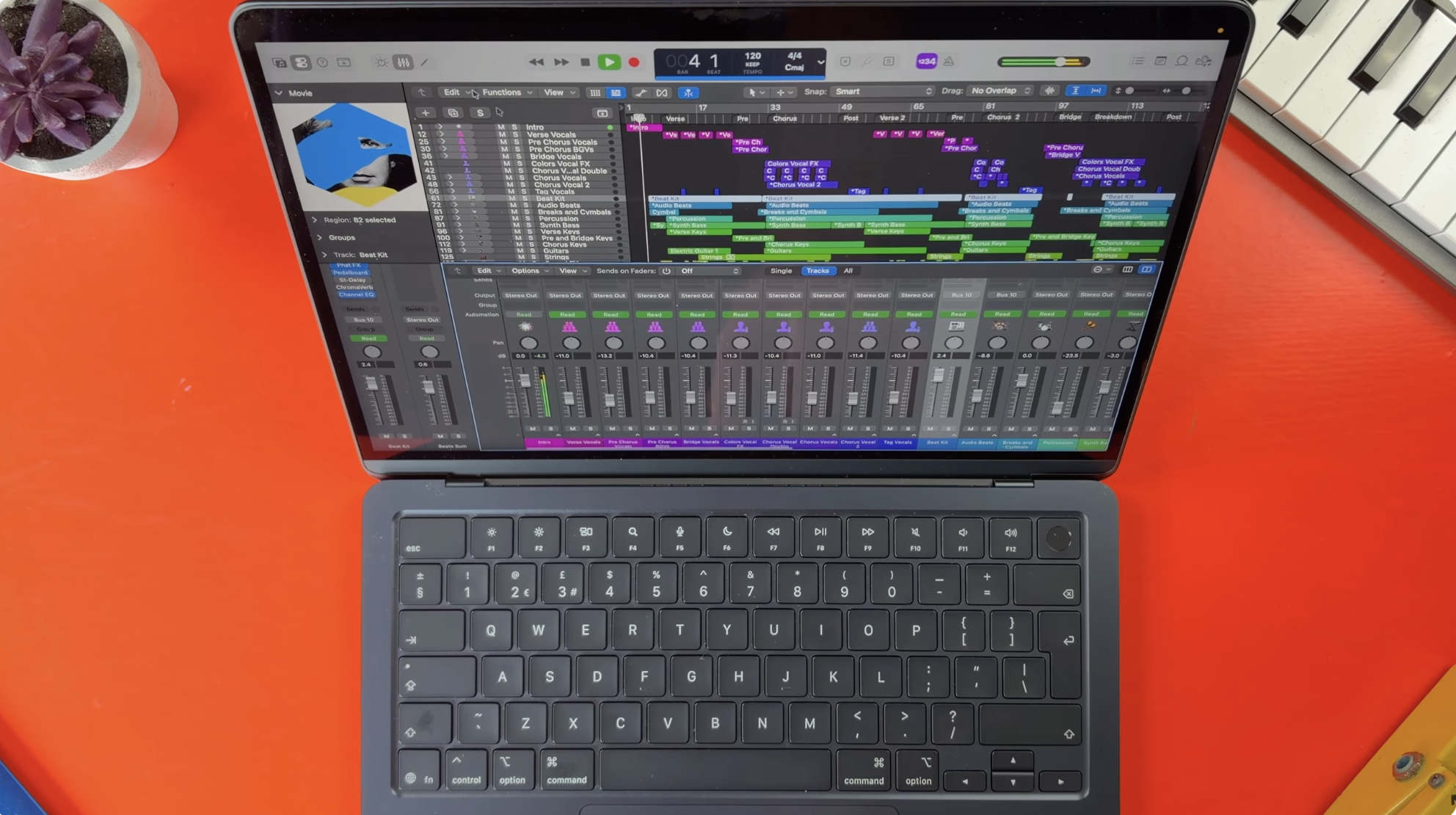
The MacBook Neo is best suited to students, beginners, and anyone working within a tighter budget. It covers the essentials well and has enough power for lighter creative work.
The MacBook Air is the easiest recommendation for musicians, YouTubers, podcasters, photographers, and general content creators.
It offers the best balance of performance, memory, storage, portability, and price.
The MacBook Pro is for people whose computer is central to their income and who regularly push it hard.
If faster exports save you meaningful time, if large projects are part of your daily work, or if the display and port selection are important to your workflow, the additional cost becomes easier to justify.
The MacBook Pro offers the best overall hardware experience.
Its display is excellent, the speakers are stronger, and the additional ports reduce the need for adapters. ProMotion also makes scrolling, editing, and general navigation feel noticeably smoother.
The Air has a different kind of appeal.
It is lighter, quieter, easier to carry, and still powerful enough for serious creative work. Its fanless design means it remains completely silent, which is particularly useful for musicians and podcasters.
The Neo shares that same silent operation and provides a surprisingly polished experience for an entry-level model.
Its compromises are more obvious in memory, storage, and long-term flexibility than in basic day-to-day use.
Which MacBook should you buy?
The MacBook Neo is the best option for buyers who want the lowest possible entry price.
It is a capable first Mac, a strong student laptop, and a useful creative machine for lighter GarageBand, Logic Pro, and video editing projects.
The M5 MacBook Air is the best choice for most creators.
It has enough power for demanding music projects, regular video editing, photography, podcasting, and general content creation without the added cost and weight of the Pro.
The M5 MacBook Pro is the right choice for professionals who regularly work with larger projects and need better sustained performance, more ports, additional memory, and the superior display.
There is no universal winner here.
Apple has created three MacBooks for three different types of buyer.
The Neo offers an affordable route into the Mac ecosystem. The Air delivers the best balance for most creative users. The Pro provides the additional headroom and hardware features that demanding professional workflows require.
The best choice comes down to the work you actually do, rather than the biggest number on a benchmark chart.