Apple has released Logic Pro 12.3 for Mac and Logic Pro 3.3 for iPad, bringing a mixture of workflow improvements, creative tools, and fresh content to its flagship music production software.
While this isn’t a headline-grabbing redesign, it is the sort of update Logic users tend to appreciate. Existing features have become more capable, Apple has expanded the Sound Library once again, and producers now have even more material to explore without spending an extra penny.
Here’s everything that’s new.
Beat Breaker Gets Three New Edit Modes
One of the biggest feature updates arrives in Beat Breaker, Apple’s increasingly popular creative effects plugin.
Already capable of slicing, stuttering and reshaping audio into entirely new rhythmic ideas, Beat Breaker now includes three new edit modes, each with its own collection of presets to help you get started.
If you’ve used Beat Breaker before, everything will feel familiar. The new modes integrate seamlessly with the existing controls, making them easy to experiment with while opening up plenty of fresh creative possibilities.
It was already one of the standout stock plugins in Logic Pro, and this update only strengthens that position.
Sample Alchemy Adds a New Sync Effect
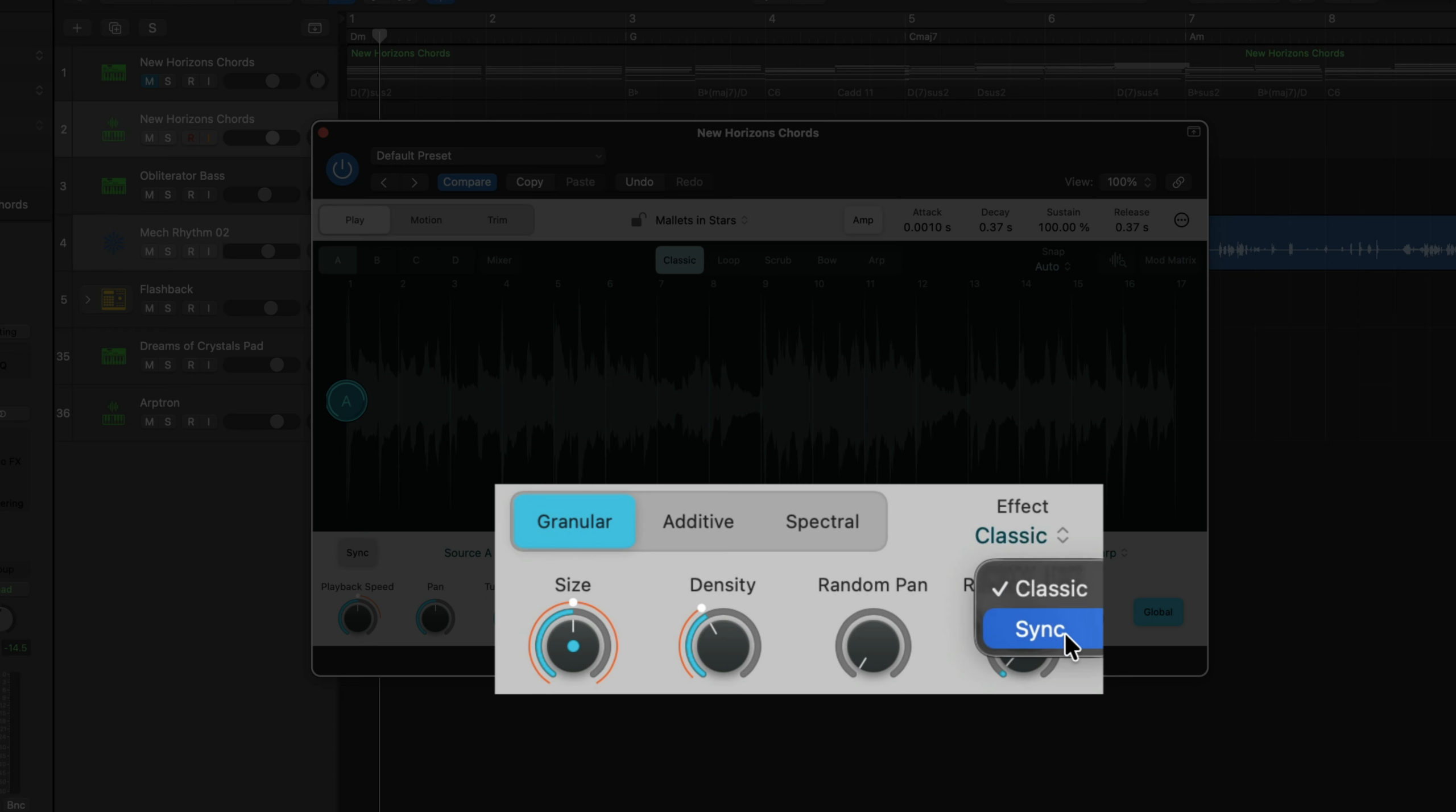
Apple has also expanded Sample Alchemy with a brand new Sync effect.
Located under the Granular tab’s Effect menu, the Sync mode uses key tracking to control grain size while transforming pitch into a formant control. The result is a new way of manipulating samples that feels more expressive than traditional granular processing.
Combined with Sample Alchemy’s existing controls, the new Sync effect makes it easier to create evolving textures, unusual vocal treatments and experimental instruments without relying on third-party plugins.
Flex Editing Becomes More Flexible
Logic’s Flex editing tools have received a welcome usability update.
The Region Inspector now provides clearer control over how Smart Tempo interacts with Flex regions. When working with audio, you can choose whether Smart Tempo automatically applies tempo information to a region or disable it entirely for manual Flex Marker editing.
It’s a relatively small change on paper, but one that removes friction when moving between automatic and manual editing workflows.
Chord Track Detection Gets Smarter
Apple has also improved Chord ID.
Chord recognition is now more accurate for both individual instruments and full mixes, while support has been expanded to detect chord extensions and added notes.
Another useful quality-of-life improvement affects the Chord Track. If Cycle mode is active when dragging a region onto the Chord Track, Logic now imports only the chords contained within the selected Cycle range rather than the entire region.
It’s a small tweak, but one that makes arranging considerably quicker.
New Sound Library Content
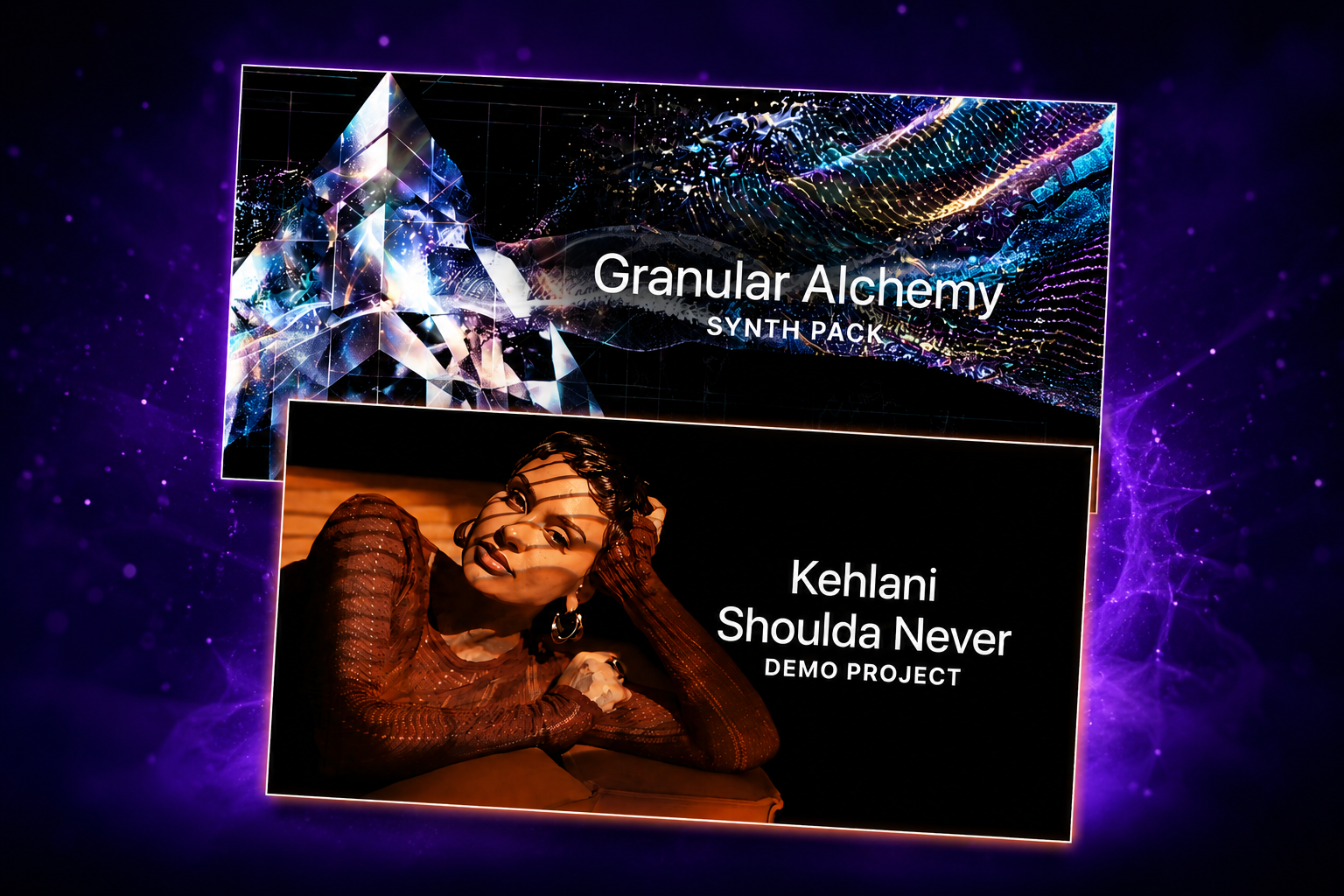
Alongside the feature updates, Apple has added two new downloads to Logic’s ever-growing Sound Library:
- Kehlani – “Shoulda Never” Demo Project
- Granular Alchemy Synth Pack
Both are available free to existing Logic Pro users.
To download them, open the Sound Library, select either item and choose Preview to hear what’s included or Get to install it.
Granular Alchemy Synth Pack
The new Granular Alchemy Synth Pack feels like one of Apple’s more adventurous recent releases.
The download includes:
- 45 Sample Alchemy patches and presets
- More than 180 Apple Loops
If you’ve explored previous experimental collections such as Magnetic Imperfections or Oblique Structures, you’ll already have an idea of the direction Apple has been moving. Granular Alchemy pushes even further into textured, evolving and unconventional sounds.
The Apple Loops range from gritty sound effects and glitch-inspired rhythmic material to surprisingly musical melodic phrases and atmospheric instruments.
Many of the loops work perfectly on their own, but they become far more interesting once you start chopping, stretching and reworking them inside your own projects.
Naturally, they pair especially well with Sample Alchemy. Importing these loops into the instrument and experimenting with the newly added Granular Sync controls quickly produces sounds that feel very different from Logic’s more traditional factory library.
New Alchemy Presets
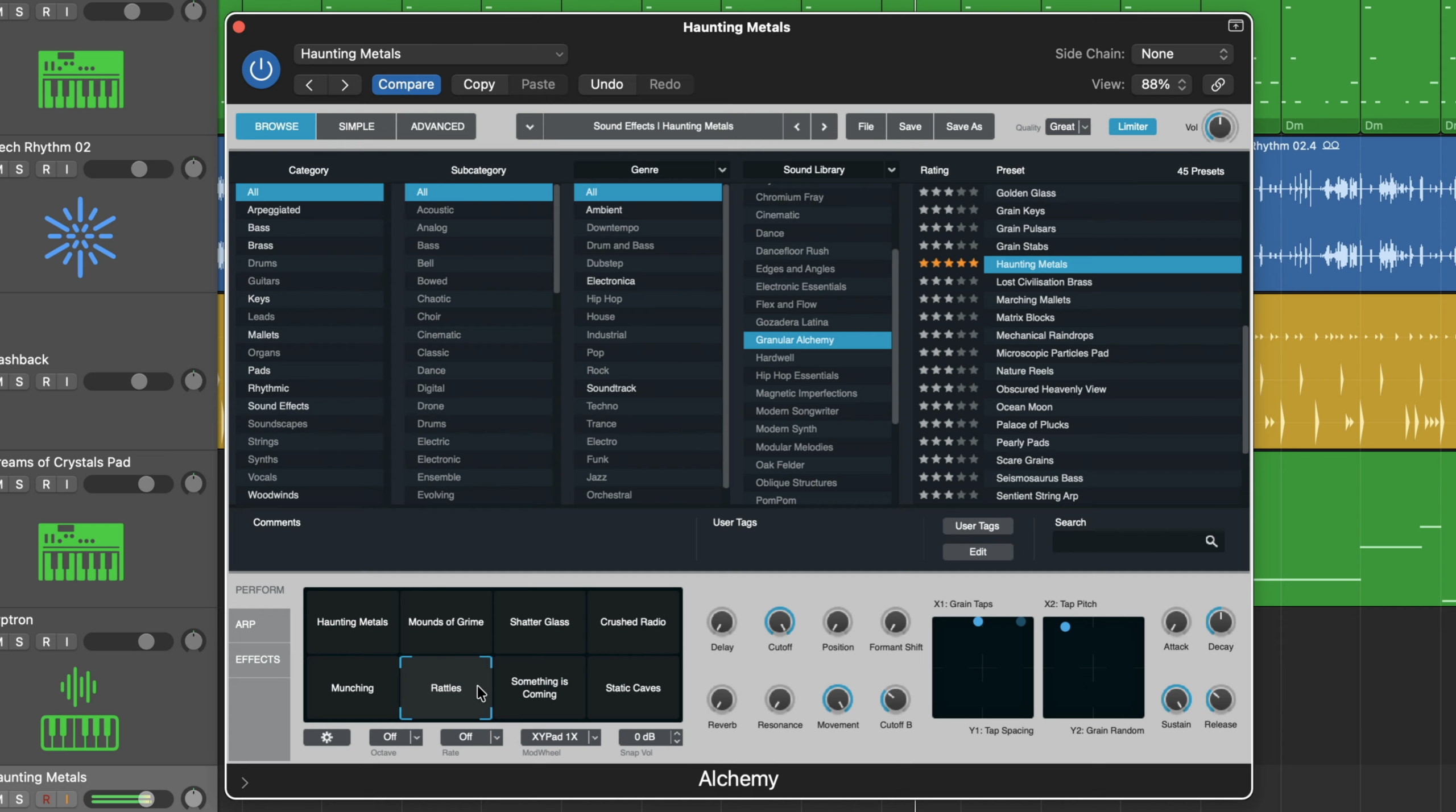
Although the download refers to Sample Alchemy patches, you’ll actually access them through Logic’s main Alchemysynthesizer.
The presets themselves are among the most distinctive Apple has released recently.
Rather than chasing a particular musical genre, they lean into evolving textures, unusual timbres and experimental atmospheres that don’t really resemble anything else currently included with Logic.
Like all Alchemy presets, they respond beautifully to the Transform Pad, allowing you to morph between different tonal characteristics in real time.
Mac users can also dive into Alchemy’s Advanced view to fine tune every aspect of the sound. iPad users, however, are still limited to the simplified interface, meaning the Transform Pad remains the primary method for shaping these presets on Apple’s tablet.
Even so, the collection feels fresh and encourages experimentation rather than simply providing another set of conventional synth sounds.
Kehlani “Shoulda Never” Demo Project
Apple has also expanded its growing collection of professional demo sessions with Kehlani’s “Shoulda Never.”
As with previous Logic demo projects, this isn’t simply a finished song to listen to. It’s a fully explorable production session containing the original tracks, effects chains and mix decisions behind the record.
For anyone interested in mixing, it’s an invaluable learning resource.
Opening the project allows you to inspect individual vocal channels, study EQ moves, compression settings, reverbs and routing decisions, and compare how different parts of the production have been treated.
For example, you can examine the processing on Kehlani’s lead vocals and compare it directly with supporting vocal tracks to see how Apple and the original production team approached the mix.
Perhaps the most useful part is that Logic allows you to save many of these processing chains as your own channel strip presets.
In other words, if you find an EQ curve or vocal chain you particularly like, you can save it and use it as the starting point for your own productions.
While every recording is different and no preset is a magic solution, it’s a fantastic way to learn from professionally mixed sessions.
A Strong Update for Logic Users
Logic Pro 12.3 and Logic Pro for iPad 3.3 may not introduce a brand new flagship feature, but they continue Apple’s steady pace of meaningful improvements.
Beat Breaker becomes even more creative, Sample Alchemy gains another useful sound design tool, Flex editing and Chord Track workflows become smoother, and the Sound Library continues to grow with genuinely useful content rather than filler.
The standout addition is arguably the Granular Alchemy Synth Pack. It’s one of the more experimental collections Apple has released, and it rewards producers willing to explore beyond traditional presets.
Meanwhile, the Kehlani demo project continues Apple’s excellent habit of giving users access to professionally mixed sessions that double as educational resources.
Taken together, it’s another solid update that gives Logic users more reasons to keep reaching for the software they already own.