If you’ve ever finished a mix in headphones, leaned back in your chair thinking you absolutely nailed it, then played the track in the car and wondered what on earth happened, you’re not alone.
For many home producers the problem is not a lack of mixing skill. The real issue is monitoring.
Most of us are working in small rooms with untreated walls, awkward acoustics and unpredictable low end. So the obvious solution is to reach for a pair of headphones. They remove the room from the equation and let you work late at night without waking the rest of the house.
But headphones introduce their own problems.
The stereo field can feel exaggerated. Low frequencies can become misleading. Instead of sound appearing in front of you like it would from speakers, everything exists inside your head. On top of that, every pair of headphones has its own tonal coloration, which can lead you to compensate with EQ moves that do not translate well to other systems.
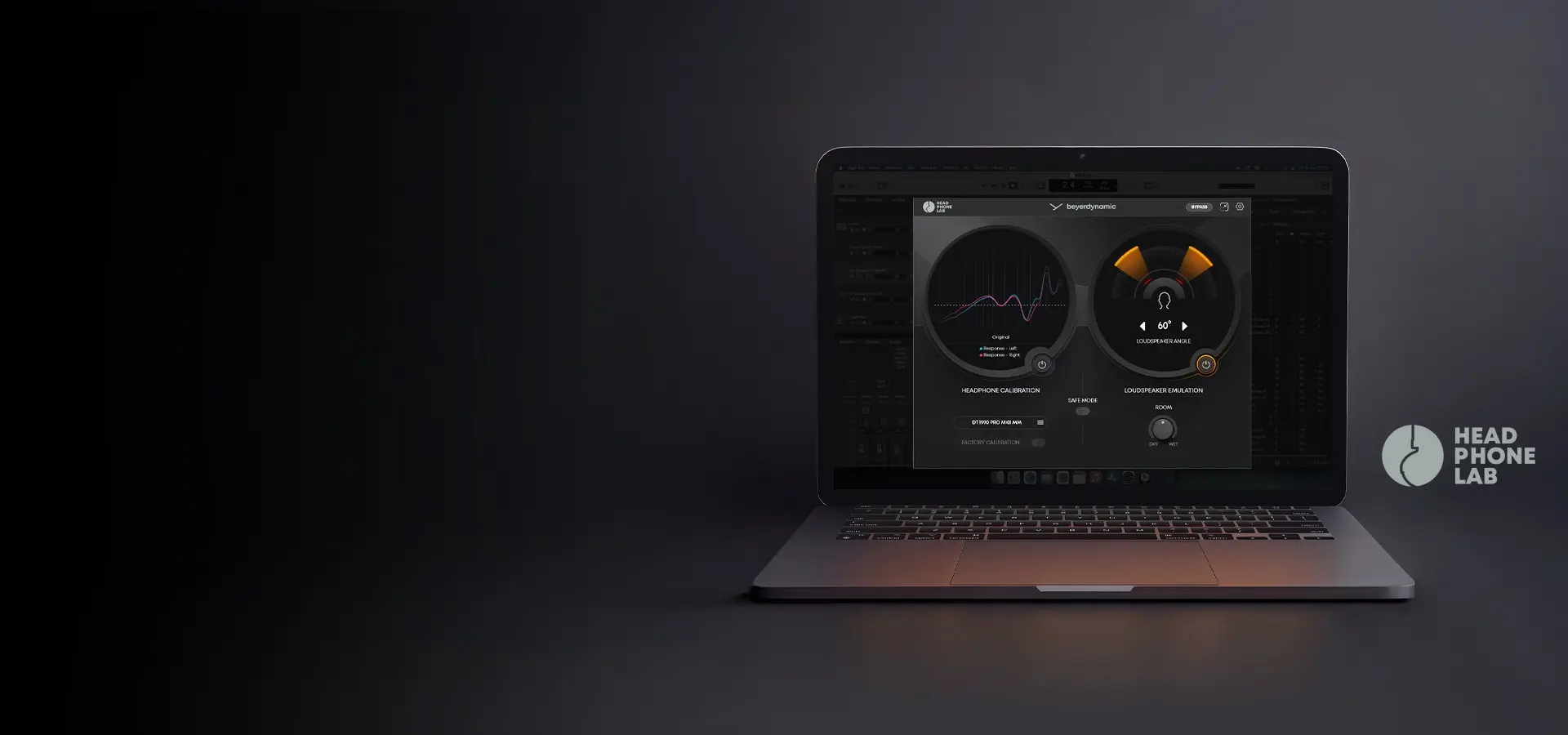
This is exactly the problem Beyerdynamic is attempting to address with Headphone Lab, a free plugin designed to turn compatible headphones into something much closer to a reference monitoring environment.
What Beyerdynamic Headphone Lab Actually Does
Headphone Lab approaches the headphone mixing problem in two main ways.
First, it calibrates supported Beyerdynamic DT series headphones using model specific measurement data. This process compensates for the tonal coloration of the headphones and pushes the frequency response closer to a neutral reference.
Second, it can emulate the stereo presentation of studio loudspeakers. Instead of everything feeling like it exists inside your head, the plugin introduces a controlled spatial model that mimics listening to speakers positioned in front of you.
In theory, the combination of headphone calibration and speaker style crossfeed should give you a more reliable mixing environment, even if you are working entirely on headphones.
The most surprising detail is that the plugin is completely free.
Who Headphone Lab Is For
If you already mix in a well treated room with high quality studio monitors and you know your monitoring environment intimately, Headphone Lab may only serve as a secondary reference.
Where it becomes genuinely useful is for producers working in less ideal conditions.
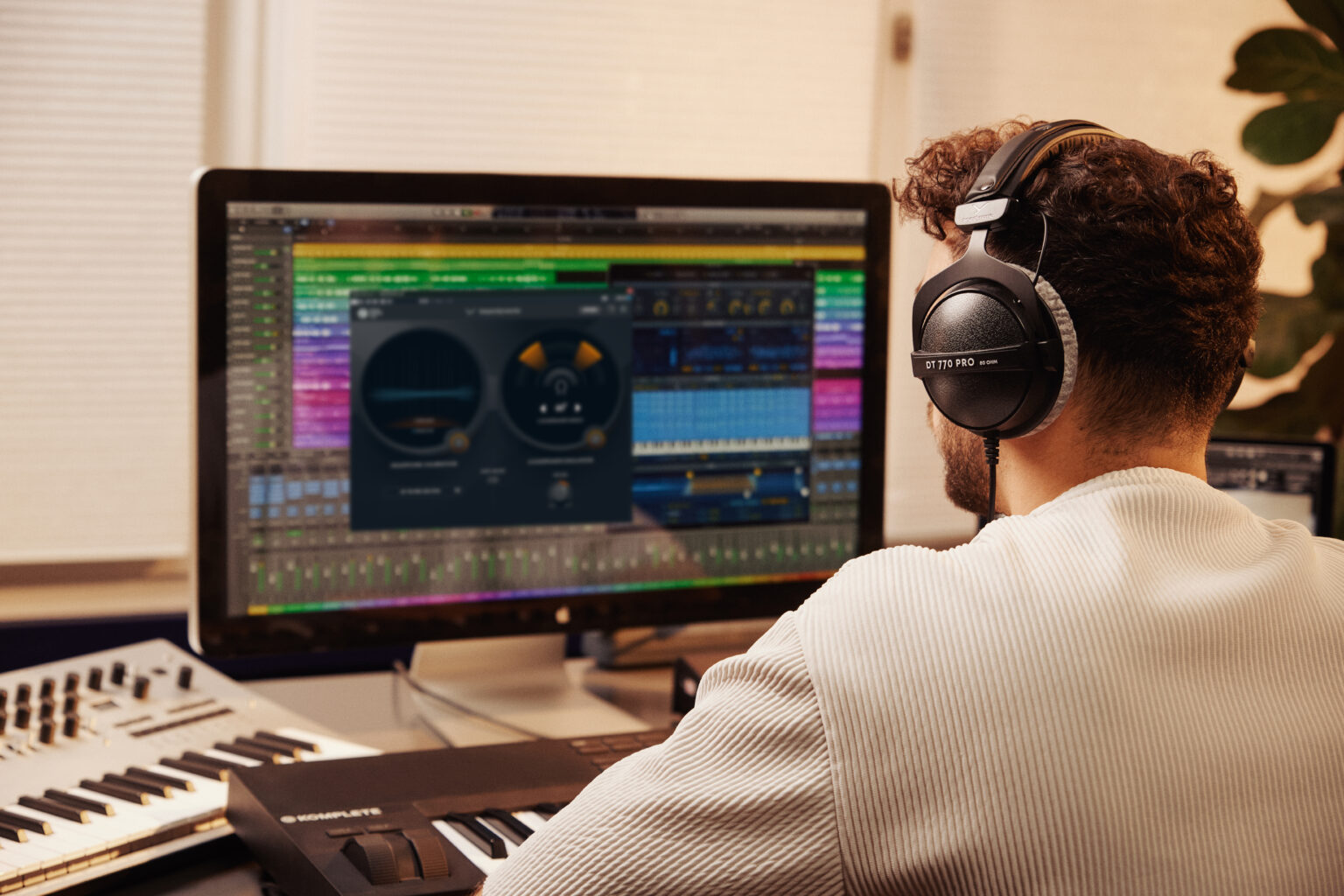
Bedroom producers dealing with untreated rooms will immediately recognise the problem of unreliable low end. Reflections and room modes can cause bass frequencies to appear far louder or quieter than they actually are, leading to poor mixing decisions.
Headphones remove that room interaction, but they introduce their own biases. That is where calibration becomes valuable.
Headphone Lab is also particularly useful for anyone who:
• Mixes primarily on headphones
• Works late at night and cannot play audio loudly
• Produces music while travelling or working between locations
In all of these situations, consistent monitoring becomes difficult. A calibrated headphone reference can dramatically improve mix translation across different playback systems.
Plugin Compatibility and Requirements
Headphone Lab is available for both macOS and Windows and supports the major plugin formats used by modern DAWs:
• VST3
• AU
• AAX
The plugin is designed specifically for Beyerdynamic’s DT series studio headphones along with supported in ear monitors.
For this test three headphone models were used:
DT 770 Pro
A budget friendly closed back design with 45 ohms impedance. These headphones are comfortable and enjoyable for general listening but have a noticeably hyped low end and bright top end. That makes them less reliable for critical mixing work without calibration.
DT 900 Pro X
An open back design with excellent clarity and build quality. With a frequency response extending up to 40 kHz, these headphones are far more suitable for production work and already offer a relatively balanced sound.
DT 1990 Pro MK II
A professional grade open back headphone designed specifically for mixing and mastering. Out of the box they sound noticeably flatter than consumer oriented headphones, which is exactly what engineers want from a monitoring tool.
Installation and Setup
Once installed, Headphone Lab appears as a plugin inside your DAW. There is no standalone application.
The correct placement for the plugin is at the very end of your master chain.
In practical terms that means inserting it after everything else, including your limiter and any mastering plugins.
The reason is simple. Headphone Lab is not meant to alter the final audio export of your track. It is purely a monitoring tool. When you render your mix you should disable or remove the plugin entirely.
In Logic Pro, you can load it by opening the mixer or inspector and selecting:
Audio Units → Beyerdynamic → Headphone Lab
In GarageBand the process is similar. Reveal the Master Track from the Track menu, open Smart Controls, and insert the plugin as the final processor on the master channel.
The plugin interface contains two major sections.
The first deals with headphone calibration. The second controls loudspeaker emulation.
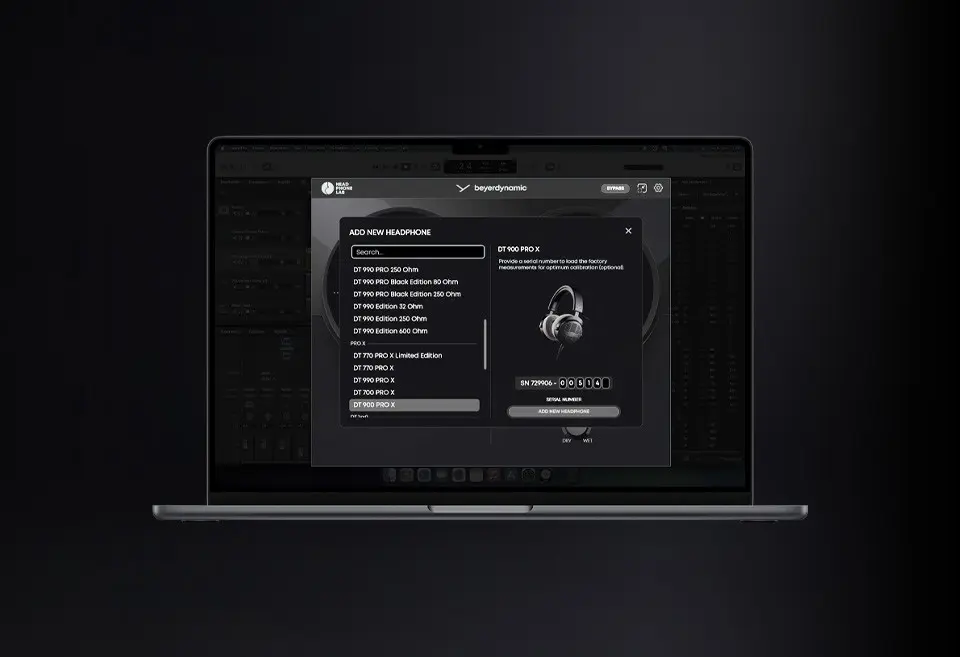
When you open Headphone Lab the first step is to select your headphone model from the list.
There are two calibration modes available depending on the model.
Standard Calibration
This uses measurement data from what Beyerdynamic refers to as a “Golden Sample”, a reference unit measured internally for that specific headphone model.
Standard calibration applies the same correction curve to every headphone of that model.
Factory Calibration
Some headphones support a more precise option. If you enter the serial number of your specific headphones, the plugin retrieves the original production measurement data for that exact unit.
That matters because even two identical headphone models can measure slightly differently due to manufacturing tolerances.
Factory calibration currently supports:
• DT 1770 Pro MK II
• DT 1990 Pro MK II
• DT 900 Pro X
• DT 700 Pro X
If your headphones support serial number calibration it is worth using, since it compensates for those subtle real world variations.
How Calibration Changes the Sound
The tonal shift introduced by calibration can be surprisingly dramatic depending on the headphones.
Using the DT 770 Pro as an example, the plugin reveals just how exaggerated the bass response is in the stock tuning. Enabling calibration noticeably flattens the low end and produces a far more neutral overall balance.
Even when listening through compressed audio or different playback devices, the change in EQ character is clear.
With the DT 900 Pro X the shift is more subtle. These headphones already offer a fairly balanced response, but calibration still tightens the frequency curve and improves overall neutrality.
The DT 1990 Pro MK II requires the least correction of the three models. The calibration mainly smooths the midrange and slightly reduces the brightness in the upper frequencies.
The important point is consistency. After calibration, each headphone moves closer to a neutral reference rather than its factory tuned sound signature.
Calibration solves the tonal balance problem, but headphones still present stereo differently from speakers.
With speakers each ear hears both channels. With headphones each ear receives a completely isolated signal.
This separation can exaggerate the stereo image and make panning decisions feel wider than they actually are.
Headphone Lab addresses this using a crossfeed based loudspeaker emulation system. Instead of adding artificial ambience or reverb, it recreates the subtle timing and level differences that occur when listening to real speakers.
The result is a stereo presentation that feels more like sound in front of you rather than inside your head.
Users can adjust several parameters including:
• Speaker angle (40°, 60°, 80°)
• Room contribution level
• Spatial positioning characteristics
A 60° speaker angle roughly matches the classic studio monitoring triangle. Narrower angles produce a tighter image while wider angles create a broader soundstage.
In practice it is best to keep the room contribution subtle. The goal is not to simulate a large reverberant space, but to create a stable reference for panning and depth.
One of the more unusual features in Headphone Lab allows you to enter your physical head measurements.
Inside the settings menu you can input:
• Ear to ear distance
• Head circumference
These measurements influence how timing cues and spatial localisation are calculated inside the loudspeaker model.
It is a small detail that many users will ignore, but it can help stabilise the perceived centre image and make spatial positioning feel more natural.
If you prefer, the plugin works perfectly well using its default values.
Does Headphone Lab Actually Improve Mixing?
Headphone Lab is not a magic button that will suddenly make every mix sound professional.
What it does do is reduce the risk of making bad decisions based on misleading monitoring.
A flatter headphone response leads to more reliable EQ choices. A speaker style stereo presentation helps prevent overly wide panning or strange spatial placement.
For producers who mix primarily on headphones the improvement in translation between playback systems can be significant.
Perhaps the most remarkable part is the price.
If you already own compatible Beyerdynamic DT series headphones, Headphone Lab costs nothing. You simply download it, select your headphone model and start working.
And if you are currently shopping for a new pair of studio headphones, the existence of this calibration system might make Beyerdynamic’s ecosystem particularly appealing.
Mixing entirely on headphones will never perfectly replicate the experience of working in a professionally treated studio.
However, tools like Headphone Lab bring headphone monitoring significantly closer to that ideal.
For bedroom producers, mobile creators and anyone who mixes late at night, it offers a simple way to improve monitoring accuracy without investing in acoustic treatment or expensive speaker setups.
Considering it is free for supported headphones, Headphone Lab is an easy recommendation for anyone working primarily on headphones.
If nothing else, it provides a far more reliable reference for the decisions that matter most in a mix.