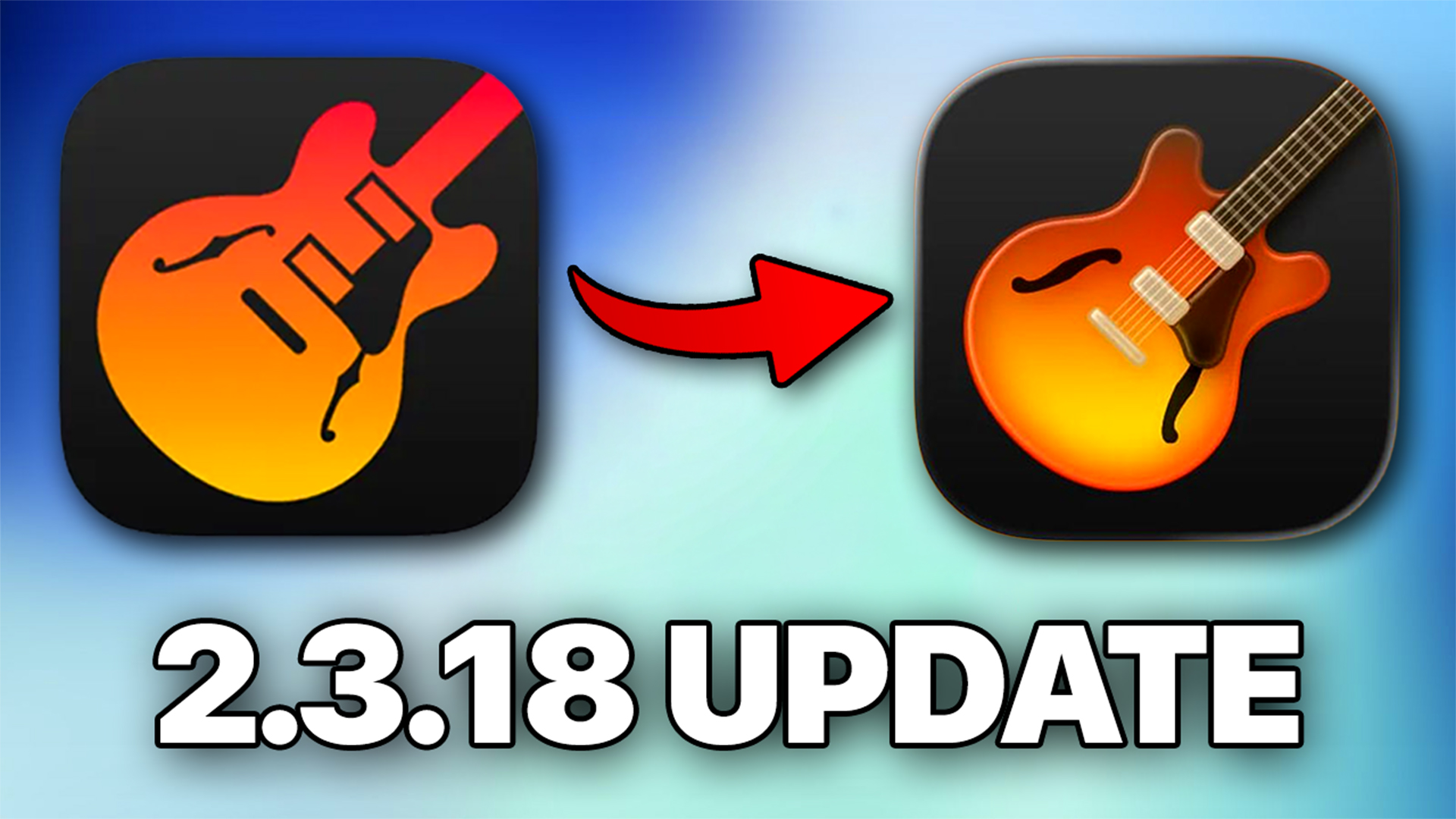
Apple has quietly rolled out a new update for GarageBand on iPhone and iPad alongside iOS and iPadOS 26.1. On paper, the 2.3.18 release looks like a small one. The App Store simply lists “bug fixes and improvements.”
But dive into Apple’s full patch notes and you’ll find a surprisingly deep list of changes, tweaks, and one rather bold visual update.
A New Look for an Old Favourite
The first thing you’ll notice is the new app icon. Gone is the long-familiar gradient orange guitar silhouette that’s been part of GarageBand’s identity for years. The new version leans flatter and more skeuomorphic, in line with Apple’s recent design updates across iOS. Some will welcome the change; others (like me) might miss the simplicity of the old design.
Aesthetic updates aside, the rest of this release focuses heavily on fixing long-standing bugs and smoothing out performance issues.
What’s New Under the Hood
The update addresses dozens of small but meaningful issues that have affected users across the app’s many instruments and features. Here are some of the most notable highlights:
Stability and Reliability
- GarageBand no longer freezes or crashes when dragging audio regions or importing files from the Files app.
- Projects containing the Sweet Cream Lead Synth preset now open reliably.
- Bluetooth connections no longer cause the app to quit unexpectedly.
Accessibility
- VoiceOver users get better support, with the Record button state now correctly announced in track headers.
Drummer and Plug-ins
- You can now swipe to change Drummer characters, which feels more intuitive than ever.
- Drag-and-drop for audio files into the Sampler has been fixed, removing one of the most frustrating reliability bugs.
Sound Library and Alchemy
- Loading certain presets, like Echo Wah or Moving Sound, no longer leads to blank screens or missing sound alerts.
Automation and Undo Improvements
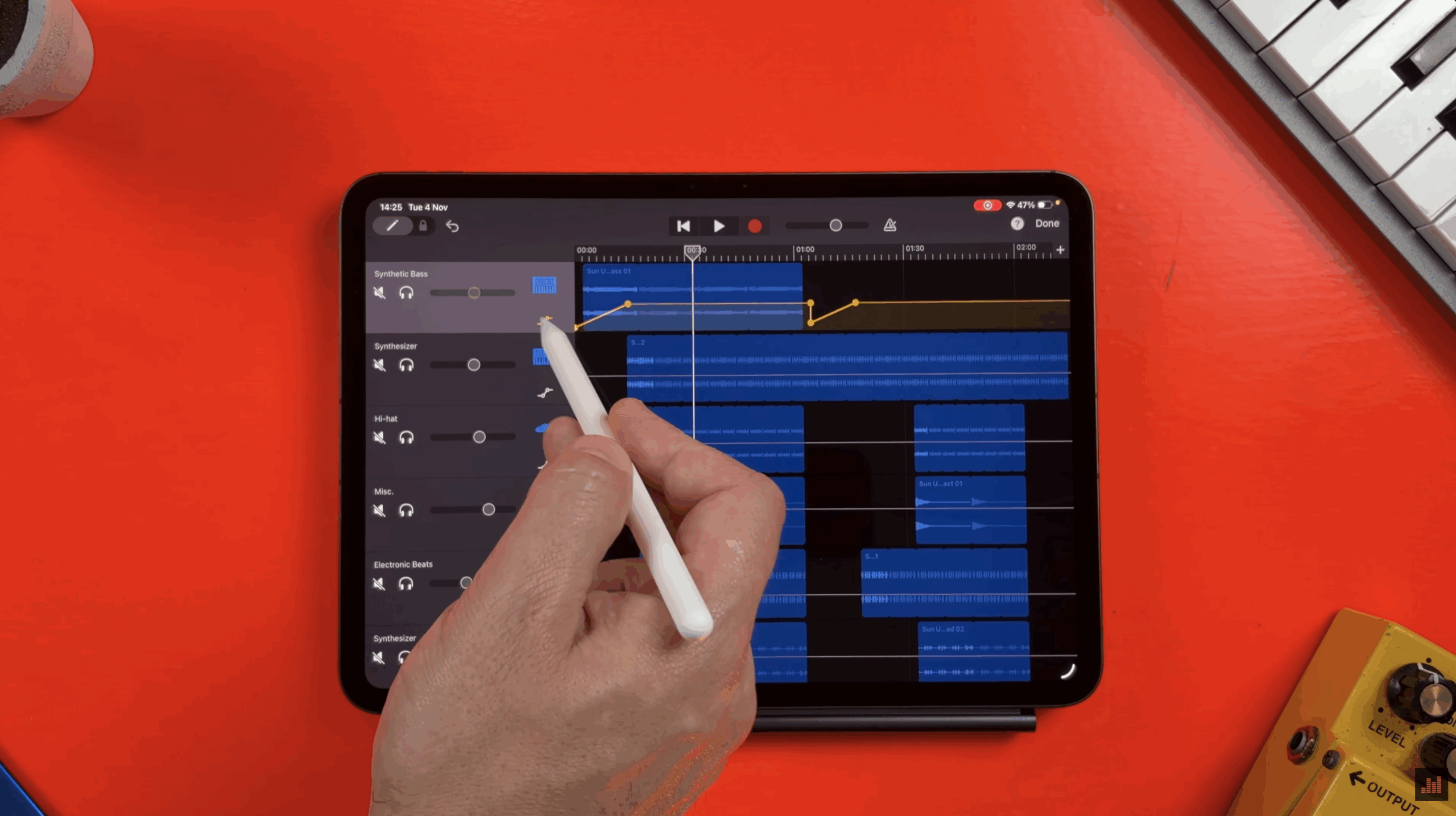
- Volume automation data now copies correctly when duplicating tracks.
- Undo actions for time signature changes, track automation toggles, and take recordings now behave predictably.
Smart Instruments and MIDI
- Smart Strings now stay in sync when using Autoplay Groove 1 with minor chords.
- The Erhu instrument no longer triggers stuck or hanging notes when playing multiple notes simultaneously.
Recording, Editing, and Sharing
- Input monitoring now responds accurately to track levels.
- The Piano Roll editor now displays a sustain automation lane when using the Pencil tool.
- When exporting uncompressed audio, GarageBand now defaults to a 48 kHz sample rate.
Global Fixes
- Key changes from major to minor now properly respect the “Follow Song Key” toggle.
- Audio playback continues to function even with Audio Unit plug-ins deleted or when Sound Recognition is enabled under Accessibility settings.
A Quiet but Essential Update
GarageBand 2.3.18 might not include flashy new features or instruments, but it’s arguably one of the most important updates in recent memory. Stability, reliability, and workflow consistency are the backbone of any creative tool, and this release does a lot to reinforce that foundation.
If you’ve ever lost progress due to a crash or encountered quirks when exporting or editing, this update is well worth installing. And while opinions will differ on the new app icon, the behind-the-scenes improvements make this version feel more solid overall.
You can find Apple’s full release notes on their official support page, and the update is available now through the App Store.