iOS 27 and iPadOS 27 are here, bringing Apple’s latest features and improvements to the iPhone and iPad.
But if you use either device to make music, you might want to check your setup before hitting that update button.
The concern isn’t necessarily iOS 27 or iPadOS 27 themselves. Major operating system updates can introduce compatibility problems with the third-party apps, Audio Unit plugins and hardware that form part of our music production setups.
If everything is currently working properly on iOS 26 or iPadOS 26, waiting until the developers and manufacturers you rely on have confirmed compatibility could save you some unnecessary and frustrating troubleshooting.
GarageBand and Logic is only part of your setup
If you make music exclusively with GarageBand/Logic Pro and Apple’s built-in instruments and effects, you have fewer compatibility checks to make.
Apple develops both the operating system and GarageBand and Logic, so its own software is generally going to be among the first things prepared for a new iOS or iPadOS release.
But think about everything else you might use in a typical project.
You could have a third-party AUv3 synthesizer providing one of your instruments, a separate reverb or compressor loaded as an effect, or another app handling part of your audio or MIDI workflow.
You might also have an audio interface, MIDI keyboard or other hardware connected to your device.
Third-party apps are also one of the biggest reasons musicians should be cautious about installing a major iOS or iPadOS update immediately.
The iPhone and iPad have developed into incredibly capable music production platforms, with thousands of instruments, effects, sequencers, drum machines, samplers and other creative apps available.
Many of these can also run as AUv3 Audio Units directly inside GarageBand, Logic Pro and other compatible DAWs.
Some developers will have tested their apps extensively with iOS 27 and iPadOS 27 before release. Others may need to issue updates to address compatibility problems that only become apparent once the finished operating systems are available.
Older apps can be particularly important to check if they are no longer receiving regular updates.
This becomes more than a minor inconvenience if you have unfinished projects that rely on those apps.
Don’t forget about your audio interface and MIDI hardware
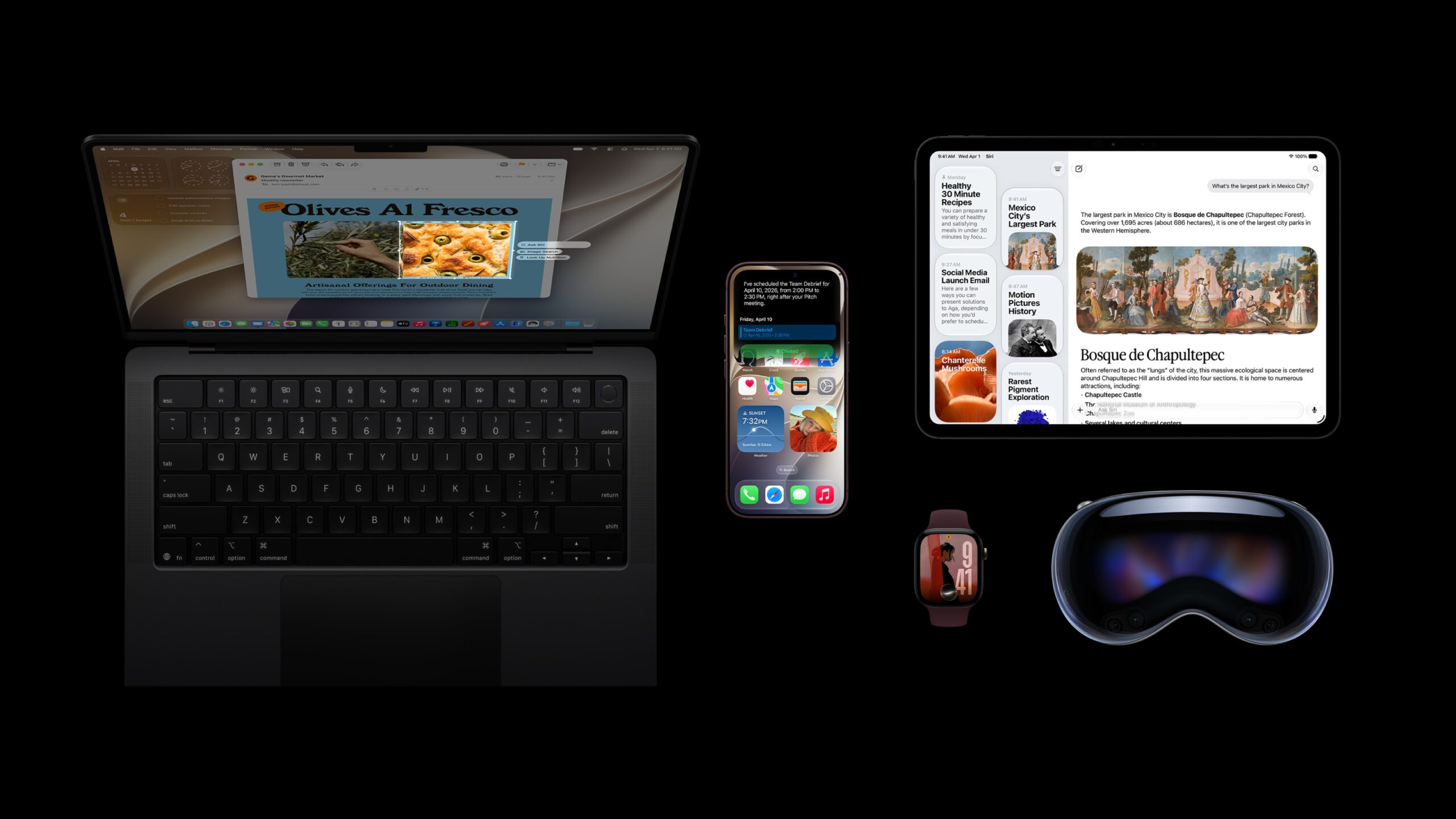
Hardware compatibility works a little differently on iPhone and iPad than it does on a Mac.
Many modern audio interfaces, MIDI keyboards and controllers are class compliant. That means they can work with iOS and iPadOS without requiring the traditional drivers you might need on a desktop computer.
That doesn’t mean hardware compatibility can be ignored, though.
Before updating, check the manufacturer’s support information for the exact audio interface, MIDI controller or other hardware you use.
Some manufacturers take a deliberately cautious approach following major Apple software releases, completing compatibility testing before officially recommending that customers update.
There is an important distinction between a product being unsupported on iOS 27 and it actually being incompatible.
If a developer or manufacturer hasn’t officially confirmed iOS 27 or iPadOS 27 support yet, that doesn’t automatically mean its product will stop working.
You could update and find that everything works exactly as it did before.
What it does mean is that you don’t yet have confirmation from the company responsible for that product that your particular setup is supported.
For an app you occasionally use for fun, that may not matter very much.
For an AUv3 instrument used throughout an unfinished project, or an audio interface you rely on every day, waiting for official confirmation is a much more sensible precaution.
Reports from other musicians can be useful too, but remember that their setups may be completely different from yours.
Someone saying “everything works perfectly for me” doesn’t tell you whether the specific combination of apps, plugins and hardware you rely on will behave in exactly the same way.
What should musicians check before installing iOS 27?
There are four areas I’d concentrate on before updating.
Your DAW: Check that the version of GarageBand, Logic Pro or another recording app you use supports the new operating system.
Your Audio Unit plugins and music apps: Pay particular attention to third-party instruments and effects used in unfinished projects, along with standalone apps that form an important part of your workflow.
Your hardware: Check your exact audio interface, MIDI keyboard and other connected devices, including any companion apps required to control them.
Your projects and backups: Make sure anything important is properly backed up before installing a major operating system update.
The last one is good practice regardless of compatibility. If your iPhone or iPad contains music projects that would be difficult or impossible to replace, make sure you have a current backup before making a major change to the device.
iOS 27 and iPadOS 27 introduce plenty of changes and improvements, but there isn’t a single new music production feature that makes upgrading on day one essential for most GarageBand or Logic users.
If your current setup is working properly, the new features will still be there once you’ve established that your essential apps and hardware are compatible.
There also isn’t a specific amount of time that everyone needs to wait.
For someone using nothing but GarageBand and Apple’s included instruments and effects, the decision could be relatively straightforward.
Someone with dozens of third-party Audio Units, specialist music apps and external hardware has considerably more to check.
Rather than waiting an arbitrary week or month, check the compatibility status of the products that actually matter to your workflow.
If you’re halfway through an important project and everything is currently working perfectly on iOS 26 or iPadOS 26, there isn’t much benefit in introducing another variable.
Finish anything important, check your essential apps and hardware, make a backup, and update when your setup is ready.
iOS 27 and iPadOS 27 aren’t going anywhere.