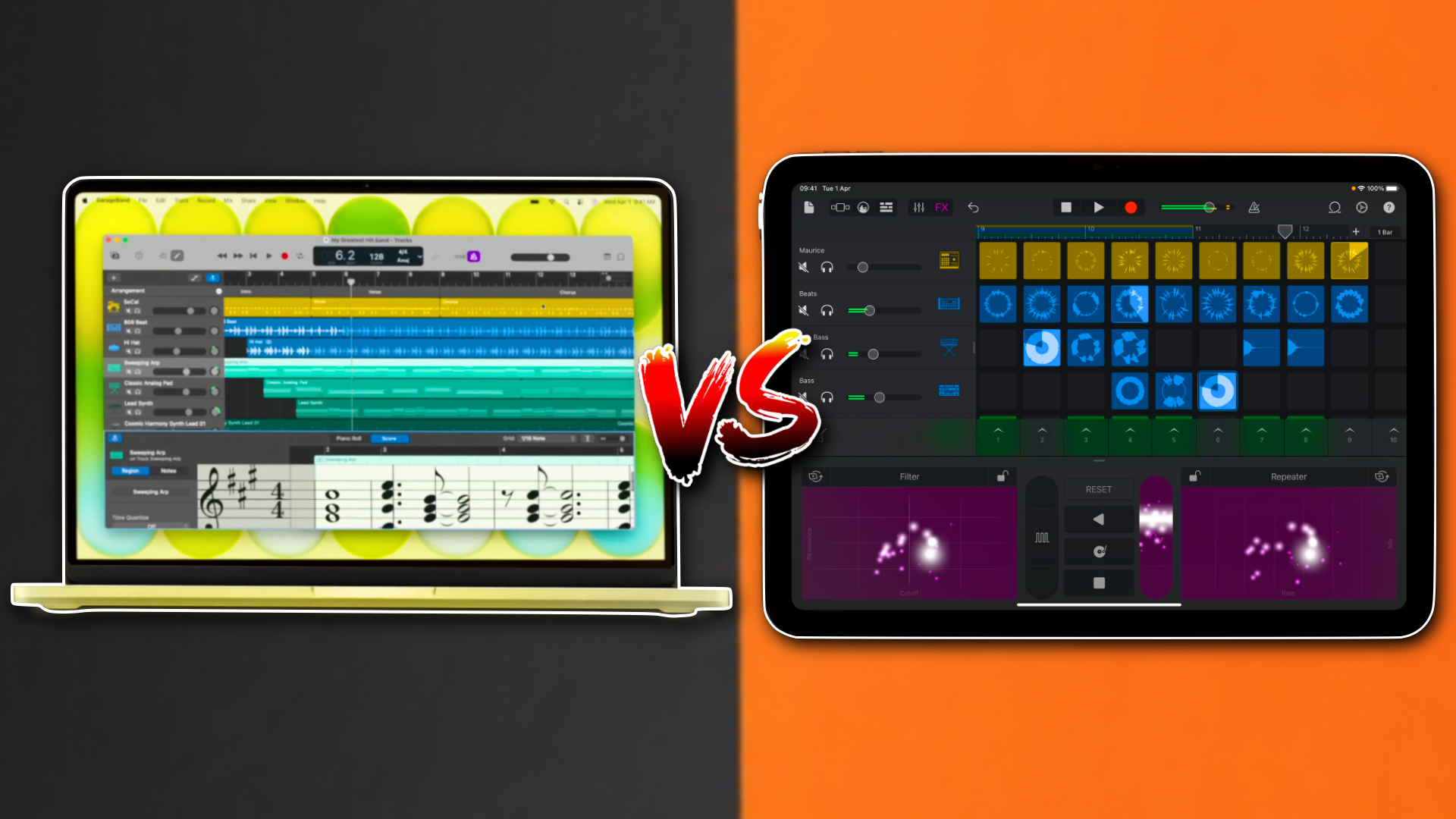
Apple’s cheapest laptop and cheapest iPad have more in common than you might expect.
On one side sits the MacBook Neo, Apple’s new entry-level laptop powered by the A18 Pro chip. On the other is the standard iPad, now equipped with the A16 processor.
At first glance, comparing these devices feels slightly ridiculous. One is a laptop. The other is a tablet. They’re designed for different types of users and different workflows.
But dig a little deeper and the comparison starts to make a bit more sense.
Both are powered by Apple’s A-series silicon. Both can run GarageBand and Logic Pro. Both support video editing with apps like iMovie and Final Cut Pro. And both offer a surprisingly capable creative experience at a relatively affordable price.
The question is simple: if you’re a musician, content creator or aspiring producer, which one deserves your money?
MacBook Neo vs iPad A16: Specs and Value
The first thing you’ll notice is the price difference.
The MacBook Neo starts at £599/$599, while the iPad A16 comes in at £329/$349.
At face value, that makes the iPad look like the obvious bargain. But specifications tell a slightly different story.
The MacBook Neo features Apple’s A18 Pro chip alongside 8GB of RAM and 256GB of storage. The iPad A16 pairs its older processor with 6GB of RAM and 128GB of storage.
In practical terms, the MacBook offers a faster processor, more memory and double the storage capacity.
You also get a larger display, a full-size keyboard, a precision trackpad and access to macOS.
The iPad counters with advantages of its own. It’s lighter, more portable, supports Apple Pencil and offers the touch-first experience that many users still prefer.
That distinction becomes increasingly important throughout this comparison.
The iPad prioritises flexibility.
The MacBook prioritises capability.
Which matters most depends entirely on how you create.
Music Production: Where The MacBook Starts To Pull Ahead
For GarageBand users, both devices deliver an excellent experience.
If your goal is to sketch ideas, build arrangements, experiment with loops and record basic projects, either machine will handle the task comfortably.
The differences emerge when projects become more complex.
Recording music is generally easier on the MacBook Neo. Connecting audio interfaces is straightforward, file management is more intuitive and moving projects between applications or storage locations feels less restrictive.
The larger display also becomes increasingly valuable once sessions start growing.
Twenty tracks might not sound like much until you’re juggling EQ adjustments, automation lanes and plugin windows. On the MacBook, you can simply see more at once, making mixing considerably less frustrating.
That isn’t to say the iPad is lacking.
In fact, there are areas where it remains one of the most enjoyable music-making devices Apple has ever produced.
GarageBand’s touch instruments continue to be a standout feature. Whether you’re playing drums, keyboards, strings or bass, interacting directly with the screen feels immediate and intuitive. Apple’s implementation remains one of the easiest ways for beginners to start creating music.
Things become more interesting once Logic Pro enters the conversation.
Both devices can run Logic, but they’re running very different versions of the software.
Logic Pro for iPad is arguably the most capable DAW available on a tablet today. However, it lacks some of the advanced functionality found in Logic Pro for Mac, and it’s only available through Apple’s Creator Studio subscription rather than as a standalone purchase.
On Mac, Logic Pro remains a one-time purchase, allowing users to own the software outright without committing to an ongoing subscription.
Performance differences are also noticeable.
Using Music-Prod.com’s Logic benchmark project, the MacBook Neo managed 59 tracks before encountering system limitations. The iPad A16 handled roughly 25 tracks before reaching its limits.
While these tests shouldn’t be treated as definitive benchmarks, they provide a useful indication of how much more headroom the MacBook offers for larger projects.
If you’re looking for the most enjoyable way to make music, the iPad remains incredibly compelling.
If you’re looking for the most capable platform for finishing songs, mixing projects and handling larger productions, the MacBook Neo is the stronger choice.
One of the biggest differences between the two devices comes down to software availability.
On macOS, users gain access to an enormous ecosystem of virtual instruments, effects, mixing tools and mastering plugins.
Whether you’re looking for orchestral libraries, analogue emulations, advanced synthesisers or professional mastering suites, chances are you’ll find multiple options.
The iPad ecosystem has improved dramatically over the past decade and remains one of the platform’s greatest strengths.
Independent developers continue to produce innovative and affordable music apps, while major software companies increasingly bring their desktop products to iPadOS.
Yet despite that progress, the desktop world remains considerably larger.
For casual music production, both platforms are excellent.
For professional workflows and long-term growth, macOS still offers more room to expand.
Video Editing: Similar Results, Different Workflows
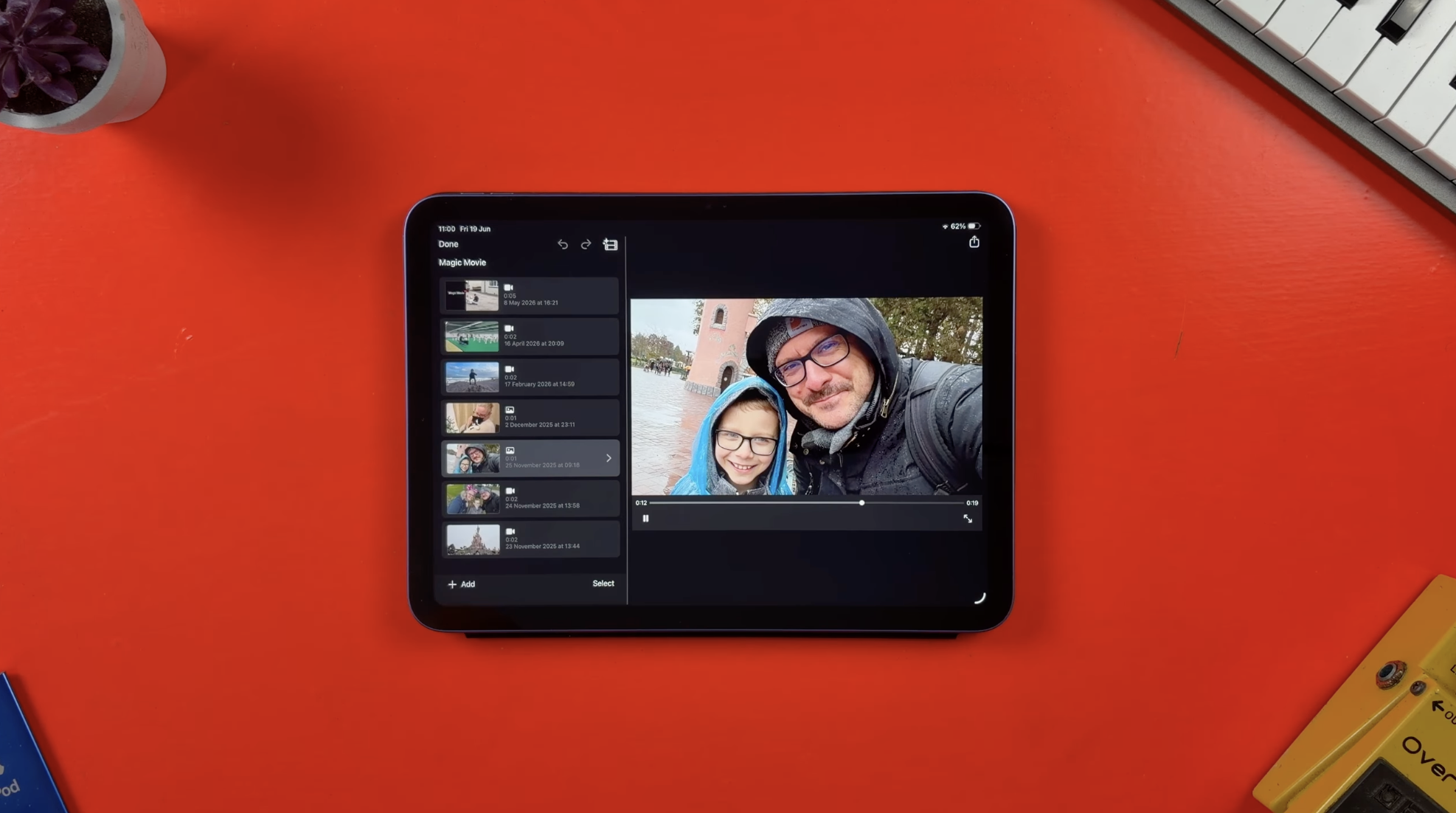
The story is remarkably similar when it comes to video editing.
For social media clips, YouTube Shorts and casual projects, the iPad performs admirably. Touch-based editing has matured significantly, and applications such as Final Cut Pro for iPad demonstrate just how capable the platform has become.
But every time you move back to the MacBook, the advantages of a traditional laptop become obvious.
A keyboard and trackpad still provide the most efficient way to edit video. Making precise cuts, managing large media libraries, moving assets between applications and working across multiple windows all feel more natural on macOS.
That won’t be true for everyone. Some creators genuinely prefer touch-based workflows.
However, for most users, the MacBook remains the more efficient editing machine.
Performance is largely a non-issue for basic projects on either device.
Both are capable enough for everyday editing tasks, though the MacBook’s newer processor does provide additional headroom for more demanding workloads.
The Hidden Cost of Accessories
One area often overlooked in these comparisons is accessories.
The headline prices suggest a £270 gap between the two devices.
In reality, the difference can become much smaller depending on how you intend to use the iPad.
The MacBook Neo arrives with everything required to be productive. The keyboard and trackpad are built in, and the laptop is ready to work straight out of the box.
The iPad tells a different story.
Add a keyboard. Add an Apple Pencil. Add a USB-C hub for expanded connectivity.
Suddenly the total cost begins creeping closer to MacBook territory.
Verdict: Which Should Creators Buy?
The iPad A16 remains one of the best value devices in Apple’s entire lineup.
It’s portable, powerful and genuinely enjoyable to use. For casual music production, content consumption and creative experimentation, it’s an excellent choice.
But the MacBook Neo makes an incredibly persuasive argument for spending a little more.
You get a faster chip, more memory, double the storage, a larger display and access to the full macOS ecosystem.
More importantly, you get a device that feels better suited to growing creative ambitions.
For most musicians, content creators and aspiring producers, the MacBook Neo is the better long-term investment.
The iPad is a fantastic tablet.
The MacBook Neo is a surprisingly capable creative workstation.