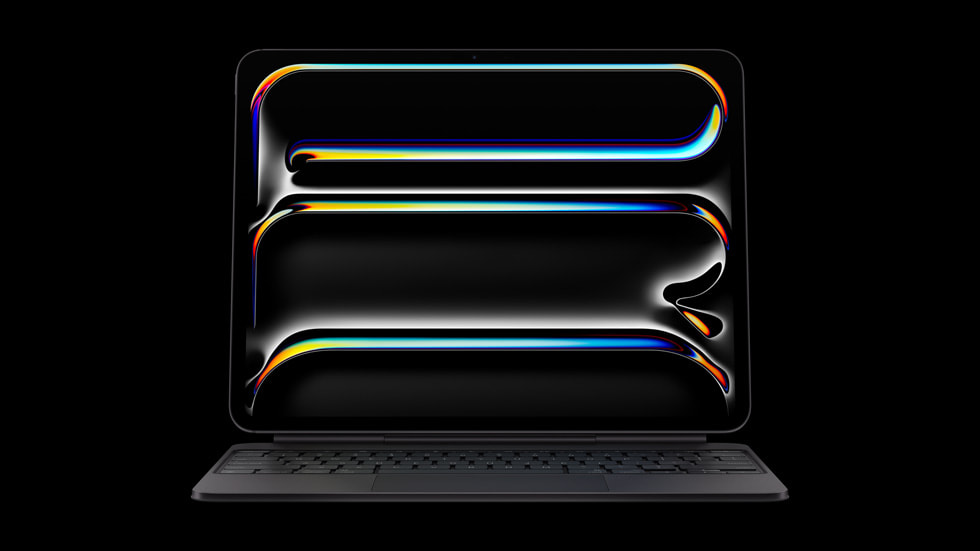
Apple’s newest iPad Pro arrives with a bold claim of being the most advanced tablet the company has ever built.
After spending time with the M5 model and putting it through real creative workloads, including GarageBand, Logic Pro and Apple AI tools, the results are pretty clear.
This is a serious upgrade, though it highlights just how much Apple’s iPadOS software holds back it’s most powerful and advanced hardware.
Design and First Impressions
For reference, I skipped last year’s M4 iPad Pro. My 12.9 inch M2 model has remained a reliable workhorse for creative work, so the redesign was new to me. The shift in weight and thickness is immediately noticeable. At 5.3 mm, the M5 iPad Pro is thinner than my M2 model and even my iPhone 17. It also sits below one pound, which makes it extremely portable and comfortable to hold for long sessions.
The rear design keeps a single 12 MP wide camera and a LiDAR sensor. I (and most everyone else, I suspect) have never used an iPad for photography, so this is not really an issue. The front camera placement is the real upgrade. Positioned on the landscape edge, it keeps you centred during FaceTime and provides reliable Face ID performance.
The Magic Keyboard introduced alongside the M4 Pro fits this new model. It feels premium with its aluminium palm rest, large trackpad and full function row. It weighs around the same as the iPad itself and the typing feel and build quality are difficult to match with third-party options.
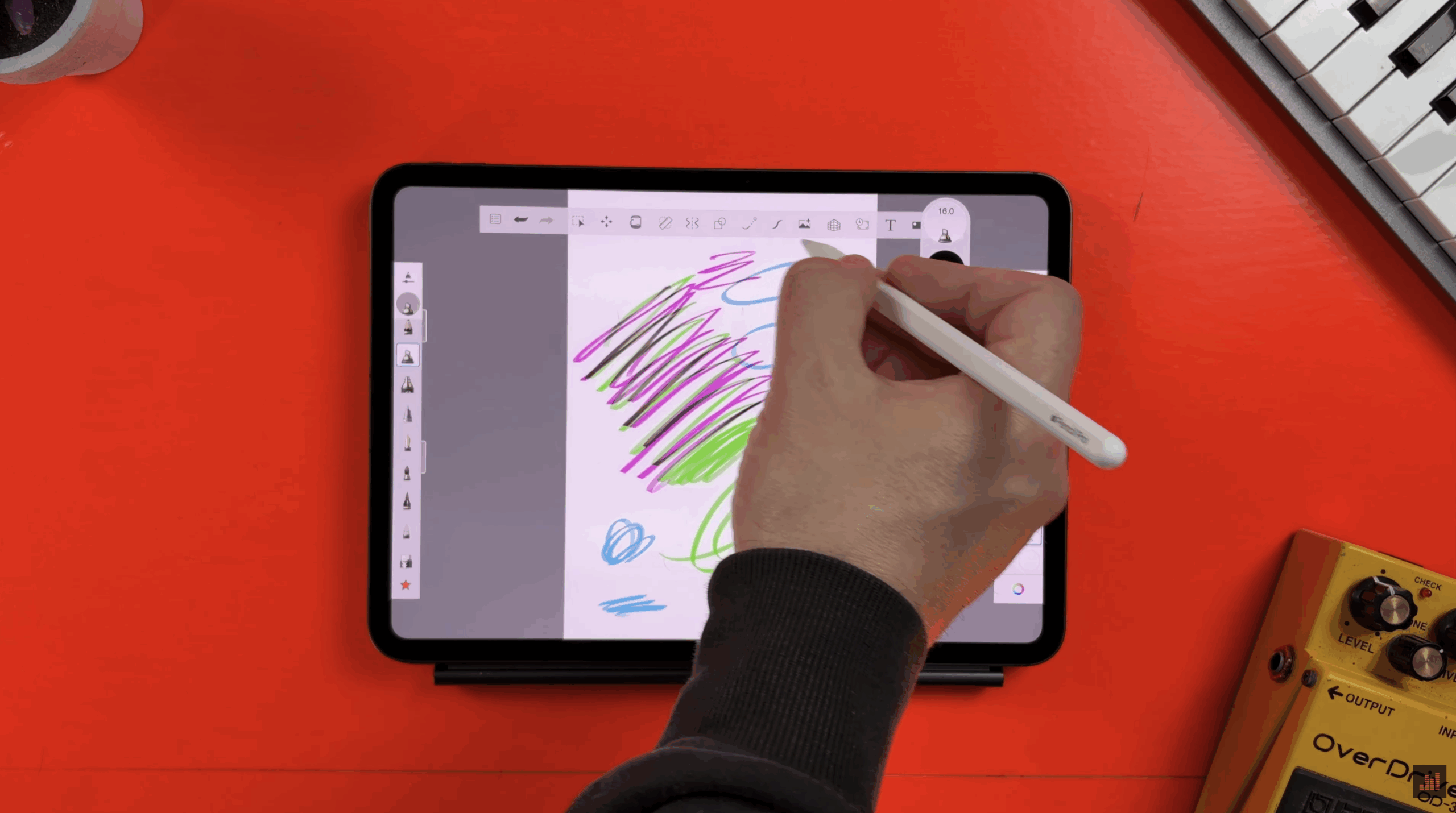
The M5 Pro supports Apple Pencil Pro and Apple Pencil USB. Pencil Pro features such as squeeze, barrel roll and double tap work exactly as expected. If your workflow involves illustration, note taking or fine-detail editing, the combination of Pencil Pro and the new display is excellent.
The single Thunderbolt 3 and USB 4 port reaches speeds close to 40 GB per second for fast file transfers and supports rapid charging. With a 60 W or higher adaptor, you can expect roughly half a charge in about thirty minutes.
It’s worth noting that Apple ships the iPad Pro without a charger in the UK and EU. Honestly, It feels like an oversight on a device at this price level.
Display Quality
Apple’s Tandem OLED Ultra Retina XDR panel remains one of the most impressive screens available anywhere. It uses two OLED layers to increase sustained brightness across the entire display. The result is startlingly clean contrast, accurate colour and a punchy image that avoids blooming around bright objects on dark backgrounds.
Placed side by side with my M2 iPad Pro, the differences become clear. Mini-LED still holds up, but the M5 Pro delivers richer colour and a more uniform image, especially in HDR content.
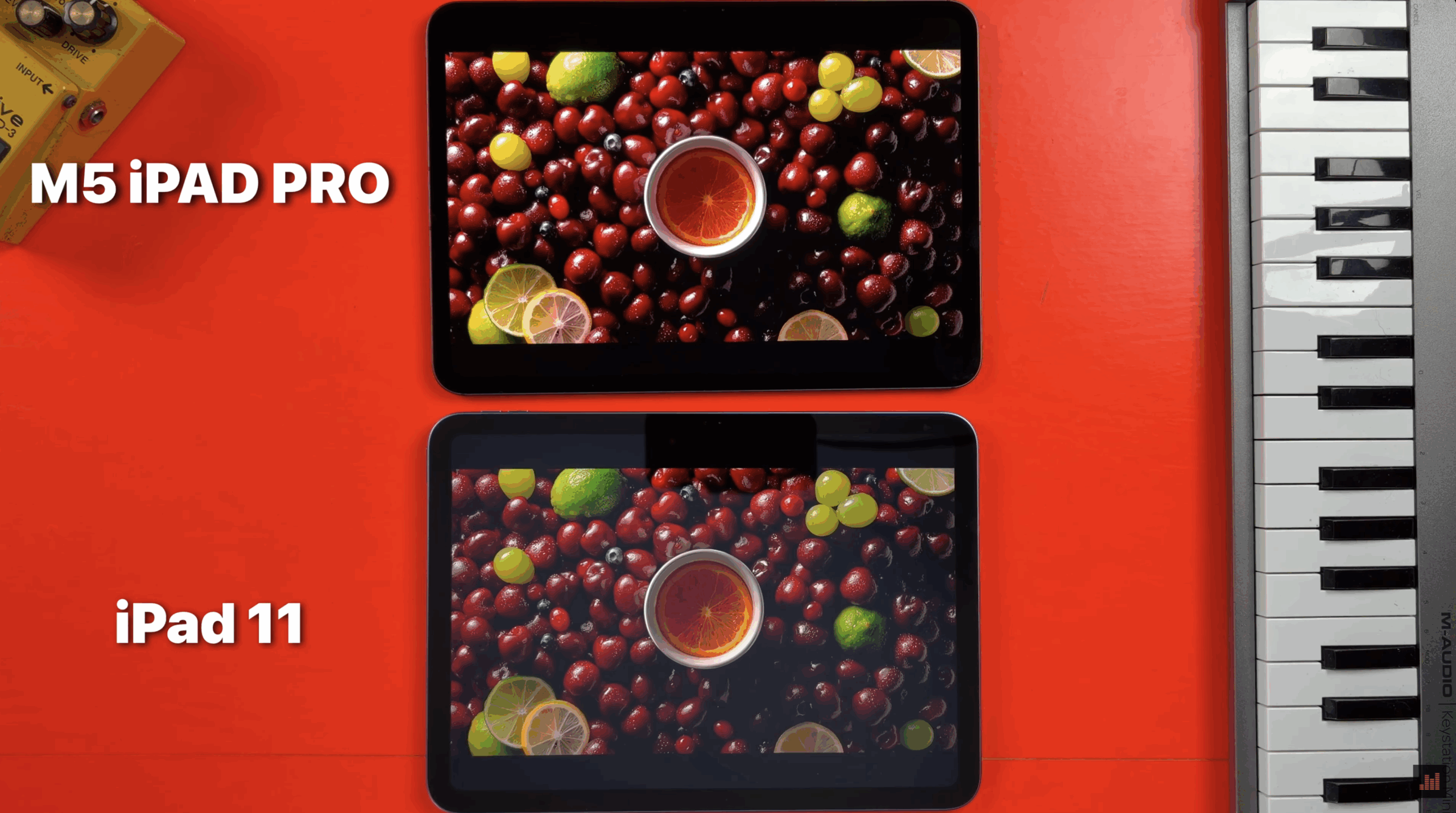
I also compared it with a base model iPad 11. That model uses a non-laminated Liquid Retina panel and lacks an anti-reflective coating. The difference between the budget and Pro screens is obvious. The Pro’s display is cleaner, sharper and significantly brighter.
The four speaker array on the 11 inch model sounds better than expected. The thinner body has not introduced any noticeable reduction in clarity or low-end presence.
Gaming and Performance
Apple’s M5 chip is fast enough to run modern AAA titles without issue. GPU and CPU performance climb well above the previous M4 generation. Resident Evil titles run smoothly and general gaming performance feels consistent.
With 12 GB of RAM on the 256 GB and 512 GB models, and 16 GB on the 1 TB and 2 TB versions, multitasking is quick and stable. The extra memory also benefits creative workflows and Apple AI tasks.
Apple generates images, edits text and handles most new AI features locally on the device, so raw chip performance is crucial. In Image Playground, the M5 Pro delivers faster generation times compared with the M2 Pro. Writing tools in Notes also feel more responsive.
iOS Music Production
For me, this is where the M5 iPad Pro really shines. In GarageBand, sessions load quickly, instruments respond immediately and layered effects do not force any slowdown. Even heavier projects remain stable. I really tried to push the iPad, but I was unable to even touch the limits of what it is capable of in GarageBand.
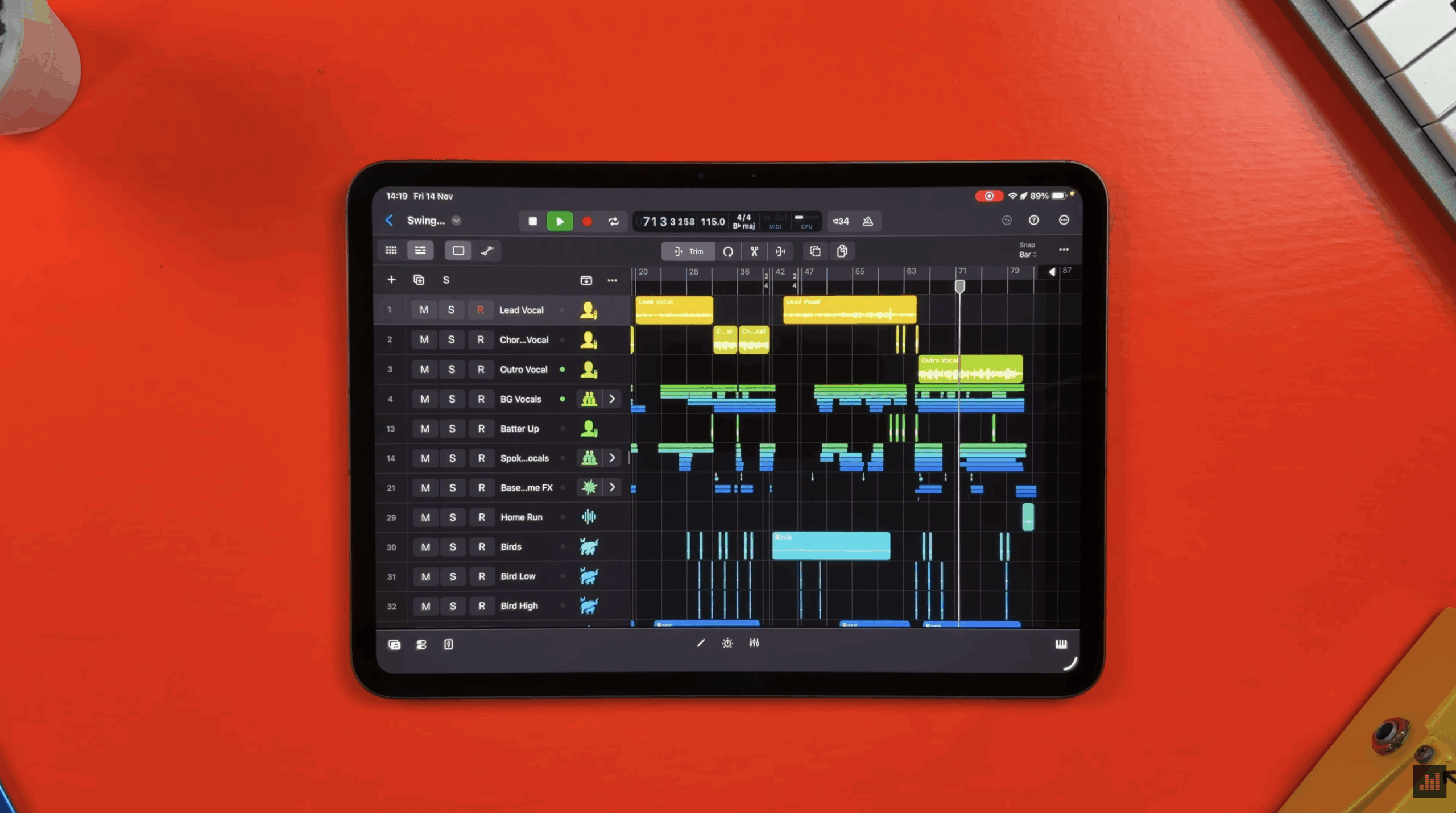
Logic Pro for iPad runs extremely well too. Multiple Session Players, AUv3 plugins and heavy effects stacks did not cause stuttering during testing. The notorious “Swing” demo project, which i’ve often used to expose performance limits in other iPad models, ran cleanly.
Benchmark testing shows the scale of the improvement.
Using the Logic Pro benchmarking project from music-prod.com:
- iPad 11 (A16) runs 25 unmuted tracks before freezing.
- M2 iPad Pro handles 84 tracks before throwing up a software overload.
- M5 iPad Pro pushes far beyond both with headroom to spare. The track count reaches 116 tracks before freezing up.
Even with the iPad limitation of a 512 buffer size, the M5 Pro model powers through the benchmark in a way that highlights how far the iPad platform has come for serious work.
Who is this for?
The M5 iPad Pro is the strongest tablet Apple has ever produced. For creative users, especially musicians, it is reliable, fast and capable of handling work that previously required a desktop. If you rely on Logic Pro, GarageBand or CPU-heavy AUv3 instruments, the M5 Pro’s performance is outstanding.
There is a clear caveat however.
iPadOS continues to hamstring the potential of Apple’s incredibly powerful hardware offerings. While the M5 iPad Pro is undoubtedly as capable at many creative tasks as some desktop Macs, it’s held back at a software level by iPadOS.
If you mainly create music in GarageBand and also handle occasional video editing, drawing or document work, the M3 iPad Air offers better value. It misses some high-end features (its Liquid Retina screen lack Pro-Motion for example), but still delivers an impressive balance of power and price.
For anyone who wants a long term creative device with serious headroom however, the M5 iPad Pro is the one to beat.