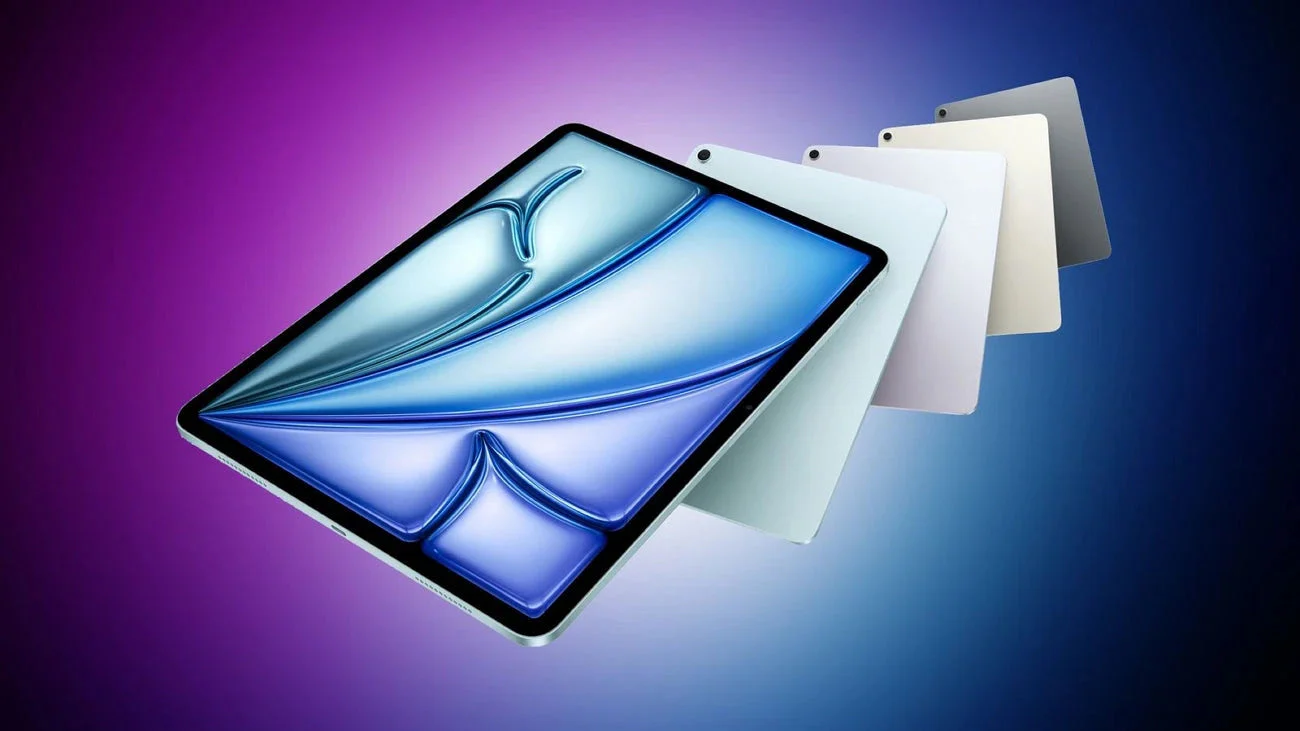
For years, the answer to “which iPad should I buy for music production?” has been simple.
If you’re serious, you get the iPad Pro.
Everything else has felt like a compromise.
The iPad Air has always sat in that awkward middle ground. More powerful than the base model, but never quite convincing enough to replace the Pro for demanding creative work.
That may have just changed.
With the move to the M4 chip and increased memory, the latest iPad Air starts to look far more compelling for music creators. In fact, for many workflows, if you can live without a handful of Apple’s “Pro” features, it edges surprisingly close to iPad Pro territory.
Familiar Design, Big Upgrades
On the outside, very little has changed.
Apple has stuck with the same overall design language it introduced back in 2020. The iPad Air remains thin, lightweight, and unmistakably Apple. The 13-inch model, first introduced with the previous generation, returns here, offering a larger canvas without stepping up to Pro pricing.
There’s a Touch ID fingerprint reader built into the top button, volume controls on the side, and a USB-C port on the bottom edge. That port supports fast data transfer up to 10Gb/s and up to 6K at 60Hz external display output.
The iPad Air works with the Magic Keyboard, which remains one of the best typing experiences available for a tablet, and both the Apple Pencil USB-C and Apple Pencil Pro. For note-taking, sketching, or general creative work, the Pencil Pro in particular still sets the standard.
None of this is new. But it doesn’t need to be.
The M4 chip, paired with 12GB of unified memory across all configurations changes how the iPad Air behaves under load.
Inside Logic Pro for iPad, the Air handles multi-track projects, software instruments, and AUv3 plugins without hesitation. Playback remains stable as projects grow in complexity, and the typical pain points on older devices, stacking plugins, loading heavy synths, or building dense arrangements, are far less noticeable.
It is worth noting that this is not the exact same M4 chip found in the previous iPad Pro. The Air uses a slightly cut-down version, with fewer CPU and GPU cores. On paper, that sounds significant.
In reality, it rarely shows up in music production workflows.
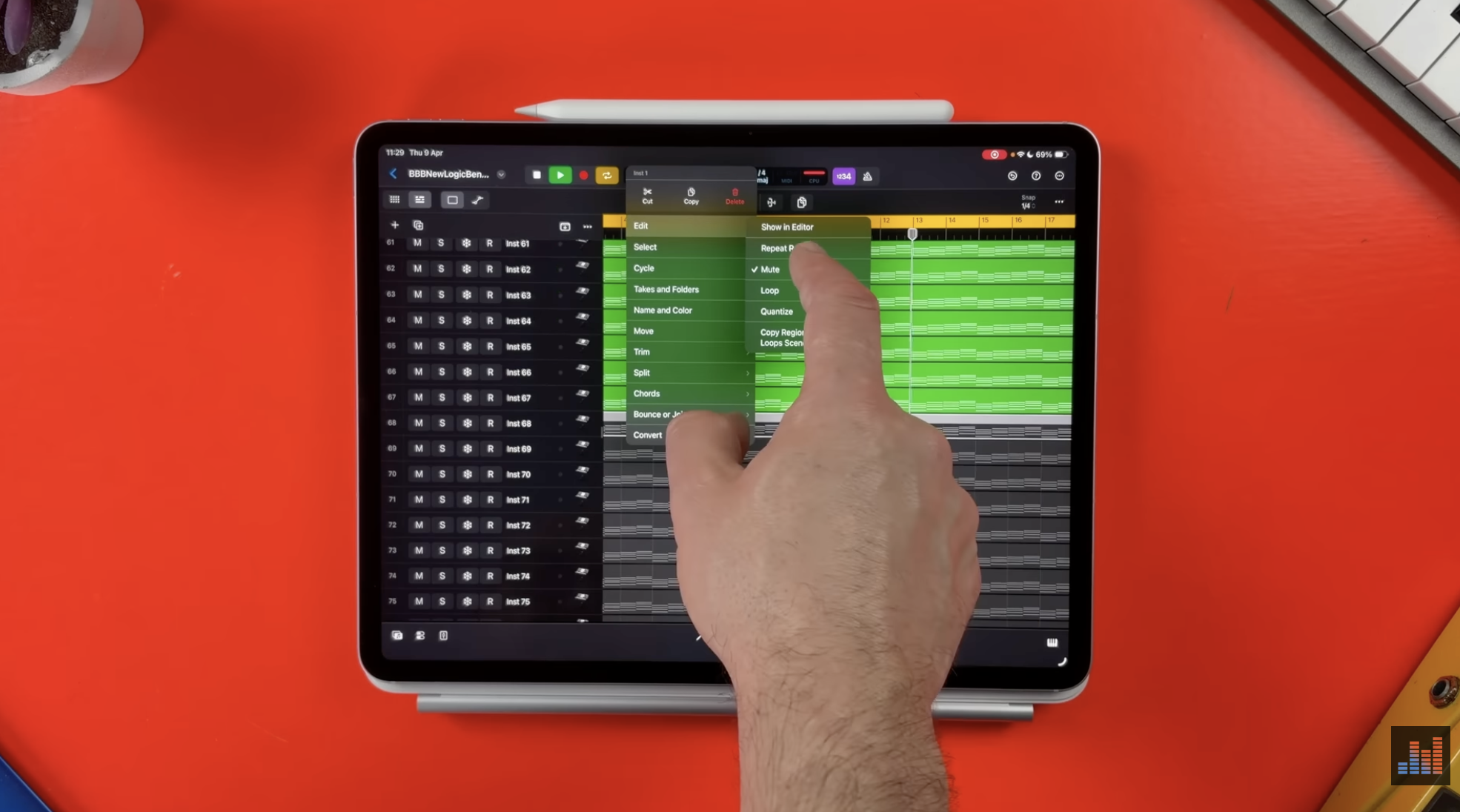
To put it to the test, using a standard Logic Pro benchmark project designed to stress CPU performance, the iPad Air manages a surprisingly high number of simultaneous instrument tracks before hitting its limit. It doesn’t quite match the top-end iPad Pro, but it gets close enough that the difference becomes academic for most users.
A Bigger Screen, A Better Workspace
The 13-inch display is arguably just as important as the performance gains.
On paper, it offers more space. In practice, it changes how you work.
In Logic Pro, the extra screen real estate means you can see more of your timeline, more tracks in your mixer, and more detail in your piano roll without constantly zooming in and out. Plugin interfaces feel less cramped, and navigating projects becomes more fluid.
It doesn’t turn the iPad into a desktop DAW, but it reduces one of the biggest limitations of working on a tablet.
One of the iPad Air’s more understated strengths is how easily it scales beyond being a standalone device.
Thanks to USB-C connectivity, it can act as the centre of a more complete production setup. Audio interfaces, MIDI controllers, external storage, and even external displays can all be connected, transforming it from a portable sketchpad into a capable studio hub.
Recording vocals, tracking instruments, and building full sessions with external hardware all feel entirely viable.
For producers working in smaller spaces, or those who value flexibility, this kind of setup can realistically replace a traditional desktop system.
Recent updates to iPadOS have quietly improved the overall experience for creators.
Multitasking feels more fluid, making it easier to move between apps when referencing tracks or managing files. Background processing allows exports and other long-running tasks to continue without interrupting your workflow.
There are also more granular controls over audio input, including the ability to select specific microphones and apply voice isolation. These additions might seem minor, but they contribute to a smoother and more flexible production environment, particularly when working on the iPad as a standalone device.
The Trade-Offs
For all its strengths, the iPad Air is not without compromises.
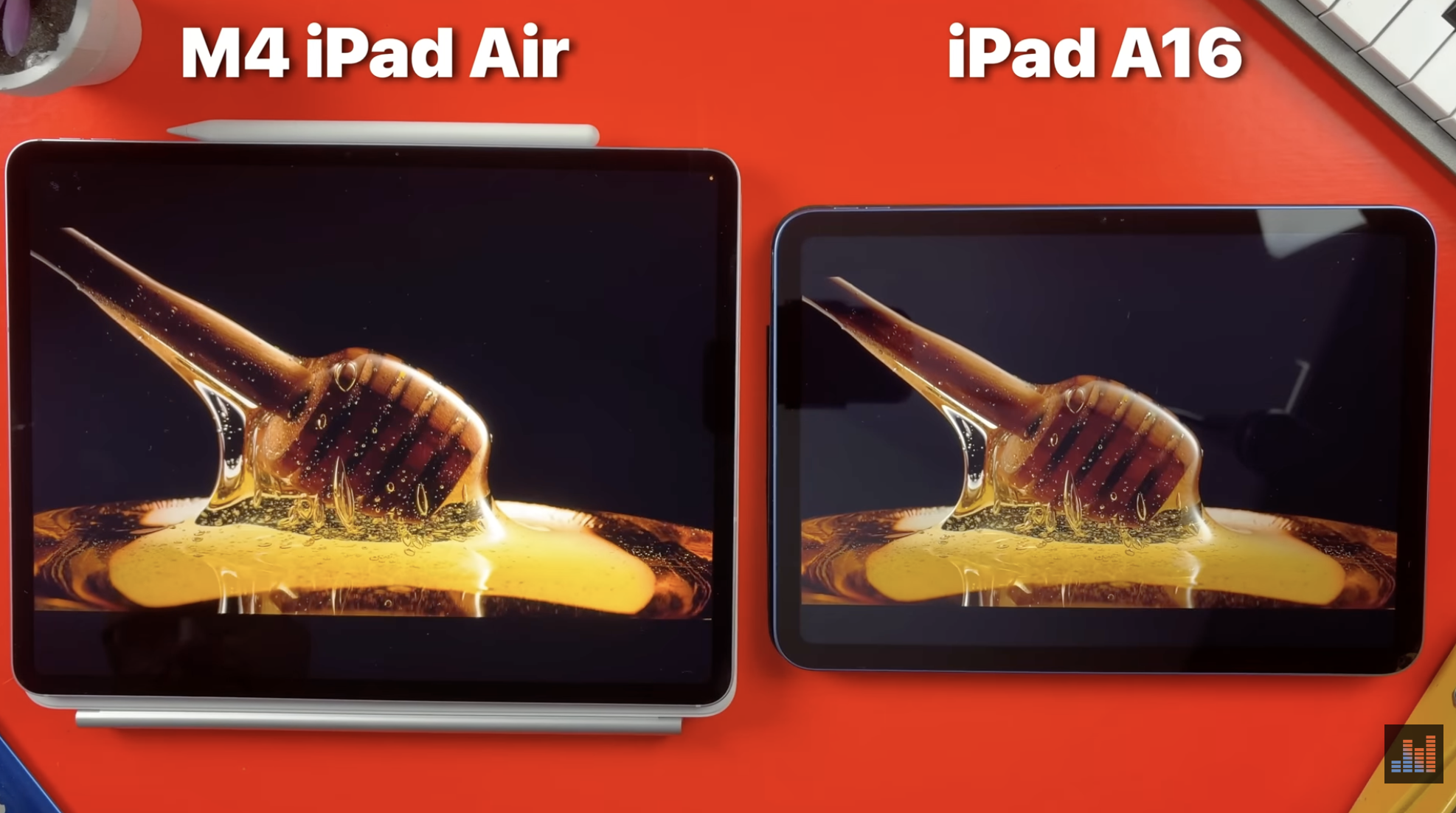
The display, while sharp and colour-accurate, still runs at 60Hz and lacks the brightness and fluidity of the Pro models. It’s perfectly usable, but it doesn’t have the same premium feel.
Storage is another sticking point. The base model starts at 128GB, which can quickly become limiting when working with large projects, sample libraries, and multiple apps. Upgrading storage helps, but doing so brings the price closer to iPad Pro territory.
At that point, the decision becomes less clear-cut.
For a long time, the iPad Pro has been the obvious choice for serious music production.
If you wanted the best performance and the fewest compromises, it was the device to buy.
The latest iPad Air complicates that.
For music production specifically, it delivers something very close to the Pro experience. Performance is strong, the larger display improves usability, and the overall workflow holds up under more demanding projects.
For most users, that will be enough.
Unless you specifically need the Pro’s display technology or want the absolute highest-end hardware available, the differences are smaller than they have ever been.
Conclusion
The M4 iPad Air marks a shift in Apple’s tablet lineup.
It’s no longer just a middle-ground option. For music production, it now sits in a space that makes the iPad Pro a bit harder to justify.
Performance is excellent, the larger display meaningfully improves workflow, and the ability to build a complete studio setup around it makes it far more versatile than its positioning suggests.
It’s not perfect. The display and base storage still feel like compromises, but for many iOS musicians, those trade-offs are easier to accept when the core experience is this strong.
For the first time in a long time, the iPad Air doesn’t just feel like a good alternative. It feels like the right choice for most people.