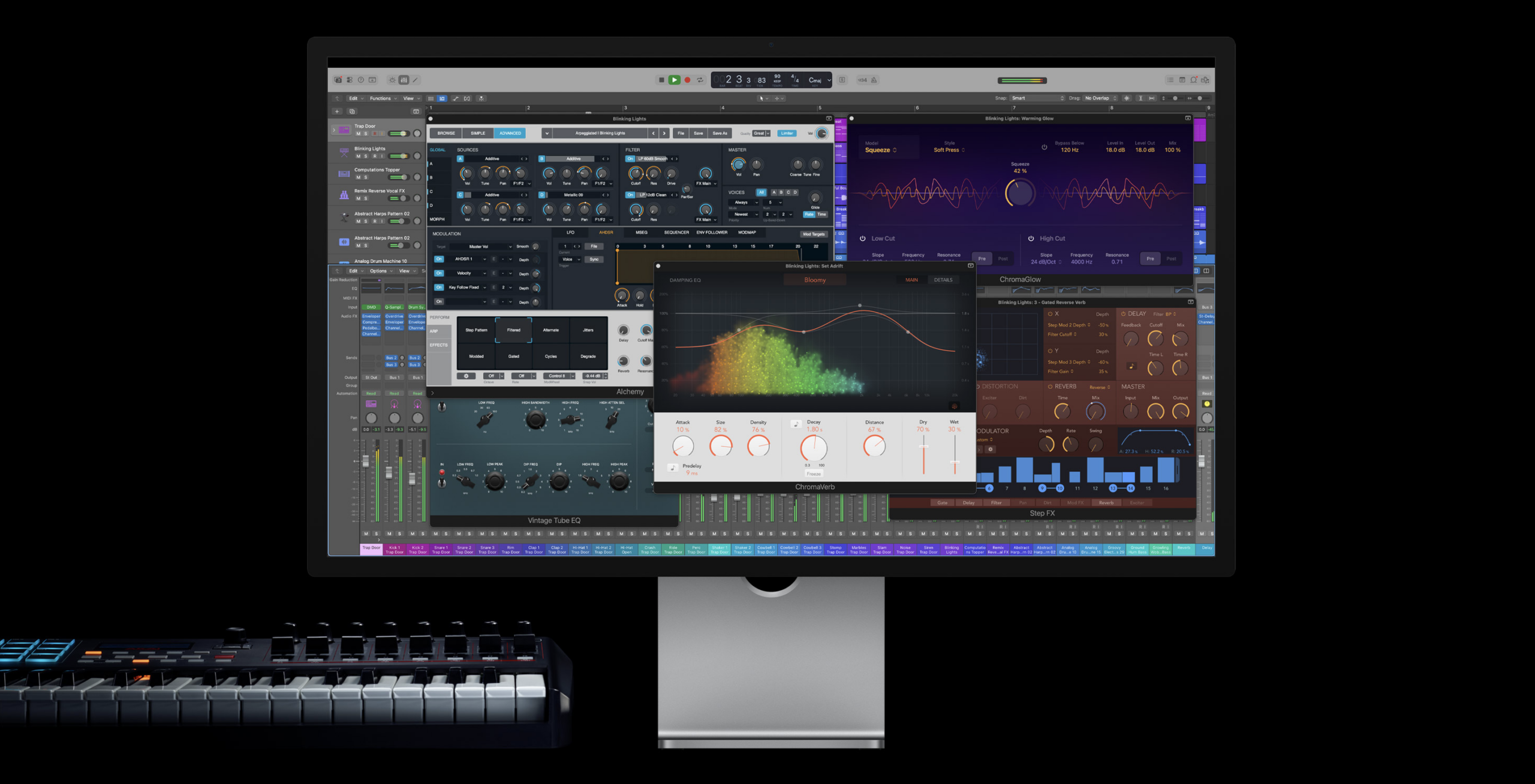
Apple has released a major update for Logic Pro, bringing powerful new features to both Logic Pro for Mac and Logic Pro for iPad. The update introduces an AI-powered Synth Player, a new Chord ID system, Quick Swipe Comping on iPad, a redesigned Sound Library on Mac, and smarter ways to search loops and sounds.
Some features arrive on both platforms, while others are platform-specific, but taken together this update represents one of the most meaningful workflow upgrades Logic users have seen in years.
Here’s everything you need to know.
Synth Player Adds AI-Powered Session Musicians to Logic Pro
The headline feature in this update is Synth Player, a new AI-powered Session Musician designed to generate synth parts that intelligently follow your song structure and harmony.
Unlike Drummer, Bass Player, or Keyboard Player, Synth Player does not appear as a standalone option when creating a new track. Instead, it lives inside existing Session Player menus.
- Synth Chord Player is found within the Keyboard Session Player
- Synth Bass Player lives inside the Bass Session Player
Once selected, a new Synth section appears, expanding Logic’s generative music tools beyond acoustic and traditional keyboard parts.

Within the Synth Chord Player, users now have access to multiple performance styles, including Rhythmic Chords and Modulated Pad presets.
Rhythmic Chords introduces an additional LFO tab, where users can select from four oscillator waveforms and directly shape their movement. Changes are reflected in the MIDI regions themselves, making the results both editable and transparent. Controls for rate, amount, complexity, and intensity allow for anything from subtle motion to complex rhythmic modulation.
Modulated Pad expands further with an Envelope tab, allowing users to choose envelope patterns and fine-tune attack, hold, and decay values visually or numerically. Additional controls for shift, alignment, and inversion make it easy to sculpt evolving pad performances without touching a piano roll.
Synth Bass Player and Slides
The Synth Bass Player mirrors much of the same functionality, but adds a dedicated Slides tab, allowing tuned slides to be introduced into bass performances. This makes it particularly effective for electronic and modern production styles.
As with all Logic Session Players, Synth Player is not limited to Apple’s stock instruments. You can load third-party AUv3 instruments, or even route performances to external hardware synths, making this feature far more flexible than it might initially appear.
Chord ID Makes Building Chord Tracks Effortless
Chord tracks were introduced to Logic in 2024, allowing Session Players to follow defined chord progressions. Powerful as they were, setting them up often required a working knowledge of music theory.
Chord ID changes that entirely.
With this update, Logic can now analyse existing MIDI or audio regions and automatically populate the Chord Track.
On Mac, users can control-click a region. On iPad, the process is handled via touch. Selecting Apply Region Chords to Chord Track instantly fills the chord track with detected harmony, allowing Session Players to follow your song correctly.
Crucially, Chord ID works not only with MIDI, but also with audio recordings. Even a rough voice memo or guitar recording can be analysed to extract chord information. This makes it incredibly easy to sketch song ideas, then quickly build out arrangements using Session Players that actually match your harmony.
It feels borderline magical, and dramatically lowers the barrier to writing structured songs inside Logic.
Logic Pro for Mac Gets a New Sound Library
Logic Pro for Mac finally receives the modern Sound Library browser that iPad users have had since launch.
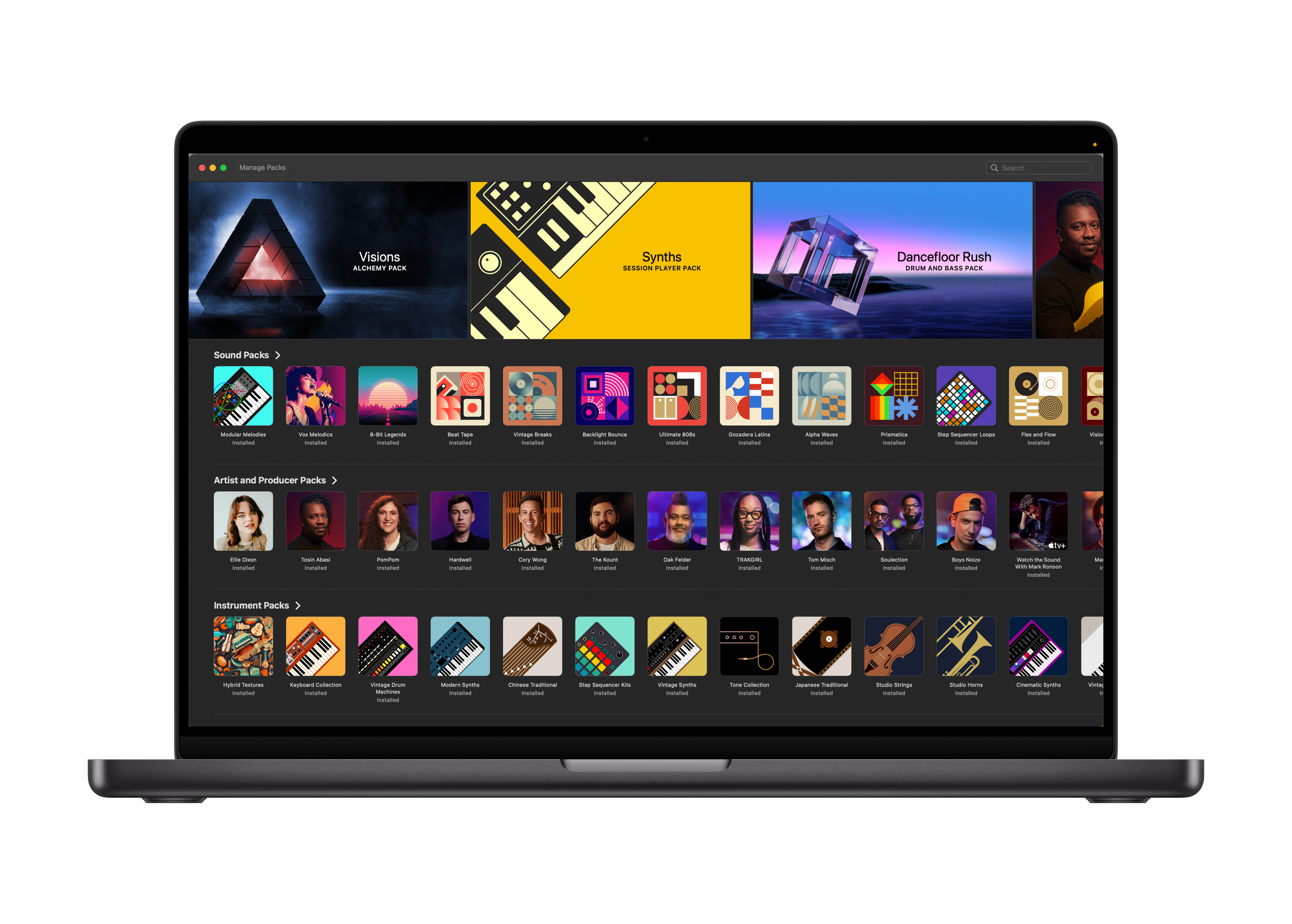
Instead of a text-heavy menu, the new Sound Library uses visual tiles, artwork, and previews, making it far easier to explore instruments, kits, and patterns before downloading them.
Some packs also include behind-the-scenes videos, offering insight into artists such as Tosin Abasi and Cory Wong directly from within Logic.
Managing installed content is now far simpler too. The new Manage menu allows users to install or remove sound packs from a single location, eliminating the need to manually dig through Finder folders.
Quick Swipe Comping Arrives on iPad
One of Logic Pro for Mac’s longest-standing features, Quick Swipe Comping, has finally arrived on iPad.
This allows users to swipe across stacked takes to instantly build a composite performance, complete with automatic crossfades. Multiple comps can be saved and switched between, making it easy to audition variations or introduce subtle changes across a song.
Given how fiddly manual crossfades can be on a touchscreen, this is a huge quality-of-life improvement for iPad-based workflows.
Music Understanding Improves Loop Search on iPad
Apple has introduced a new Music Understanding system for loop searching in Logic Pro for iPad.

Users can now search using natural language terms such as “nostalgic synth” and tap a new Sounds Like option to surface relevant loops and patches.
Logic also supports audio-based similarity search. Dragging a loop into the search area prompts Logic to find similar sounding loops from its extensive library, which now contains thousands of options.
For producers who rely heavily on loops, this makes finding the right sound significantly faster.
Plugin Interface Improvements on iPad
Another welcome change is an update to how some stock plugins are laid out on iPad.
Certain instruments and effects now group controls into separate tabs such as Main, Effects, and Details, making them far easier to use on smaller screens. An optional Adaptive Layout mode dynamically resizes controls depending on window arrangement.
Not every plugin has been updated yet, but it’s a meaningful step forward, and hopefully a sign of more interface refinements to come.
Final Thoughts
This Logic Pro update delivers meaningful improvements across both Mac and iPad, with Synth Player and Chord ID standing out as genuinely transformative tools. Combined with long-requested features like Quick Swipe Comping on iPad and a modernised Sound Library on Mac, Logic continues to blur the line between traditional DAW workflows and intelligent, assistive music creation.
There are also numerous bug fixes and smaller changes tucked away in the update notes, which deserve deeper exploration in their own right.